EN
13
❷
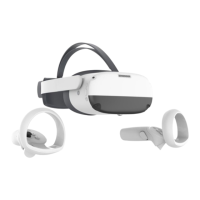
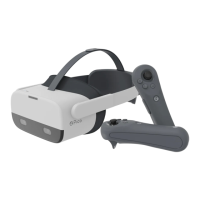
Power on the Controller
First Start: The Controller will start automatically
after removing the insulating paper.
Others: Short press the Home button for 1
second until the status indicator ashes blue.
❸
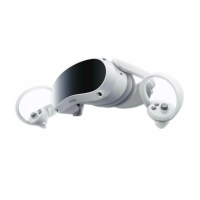
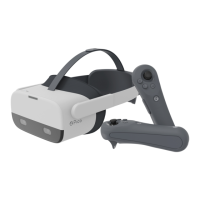
Power on the VR Headset
Long press the Power button for 2 seconds until
the status indicator turns blue.
❹
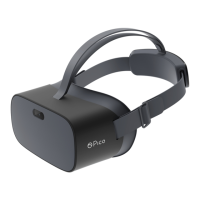
Wear Your Headset for a Comfortable Fit and View
Adjust the strap dial to turn the strap so that the back of your head rests on the padding. Fine-tune the
length and position of the strap to give a clear view.
* Note: You can use this product with prescription glasses or lenses insert.


 To Next Page