EN
14
64mm
❺
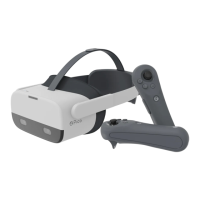
Fine-tune the Top Strap
Fine-tune the head strap to reduce pressure on the forehead.
❻
Interpupillary Distance (IPD) Adjustment
In System Setting, go to “Setting” ► “Display” to adjust IPD, tap “+” or “-” button to slightly adjust IPD
until the picture is clear.
Please note that inappropriate IPD setting may cause ghosting or eyestrain.
Accurate IPD setting helps you get a clear imaging and ease eyestrain.


 To Next Page