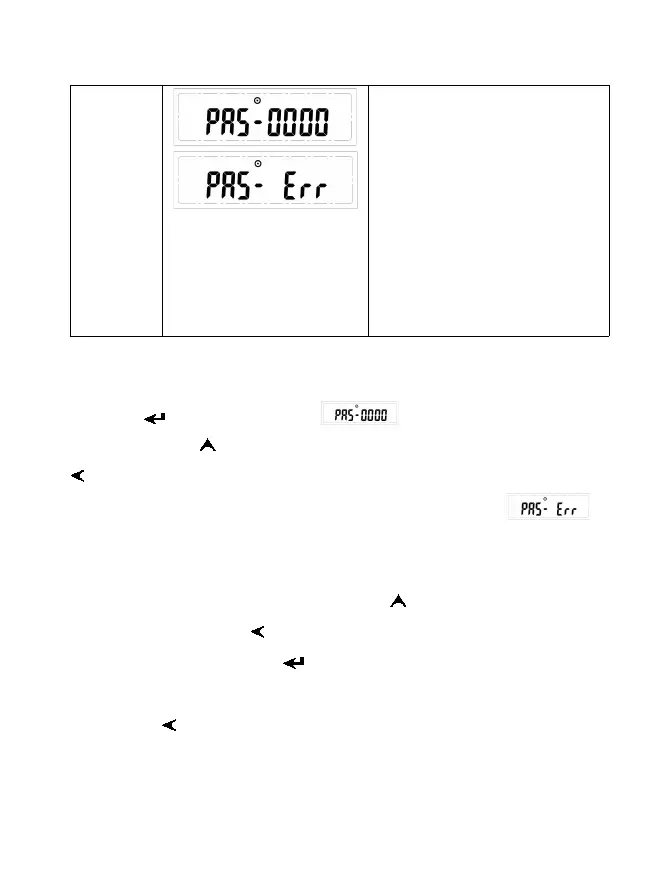
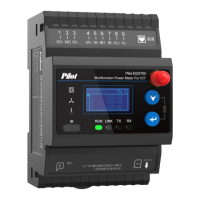
4 digit password
Supper password: 4567
Default: 0000
Only when input right password,
can user modify parameter
Otherwise it will prompt password
error, then return to configuration
interface after 5s later.
Note 1: Only in configuration interface, can user enter into password input interface
after press . Then LCD will display , the farthest right “0” flashing,
customer can press to modify flashing digit (circle display from 0~9) and press
to move cursor.
Note 2: If input wrong password, user can’t modify parameter, display ,
then return to configuration interface after 5s later.
Note 3: If input correct password, LCD display will skip to MODBUS address interface,
the farthest right digit flashing, customer can press to modify flashing digit (circle
display from 0~9) and press to move cursor.
Note 4: In setting interface, press to enter setting status or save and exit setting
status.
Note 5: Press to exit to real-time consumption value interface, when in
non-modify status.


 To Next Page