12
SENSITIVITY SETUP
The nano X4 can perform in 3 stages: low–middle–high.
Press in the elevator stick for 1 second to enter the 3 dierent stages:
The LED on the TX on solid green = the X4 in low stage(about 30% sensetivity)
The LED on the TX blink green = the X4 in midddle stage(about 60% sensetivity)
The LED on the TX blink orange = the X4 in high stage(about 100% sensetivity)
Press (a) Elevator Trim /(b) Aileron Trim to change the sensitivity values and then hold down the elevator stick for
1 second to conrm or exit. The X4 will be more sensitive and responsive with the correspondance values.
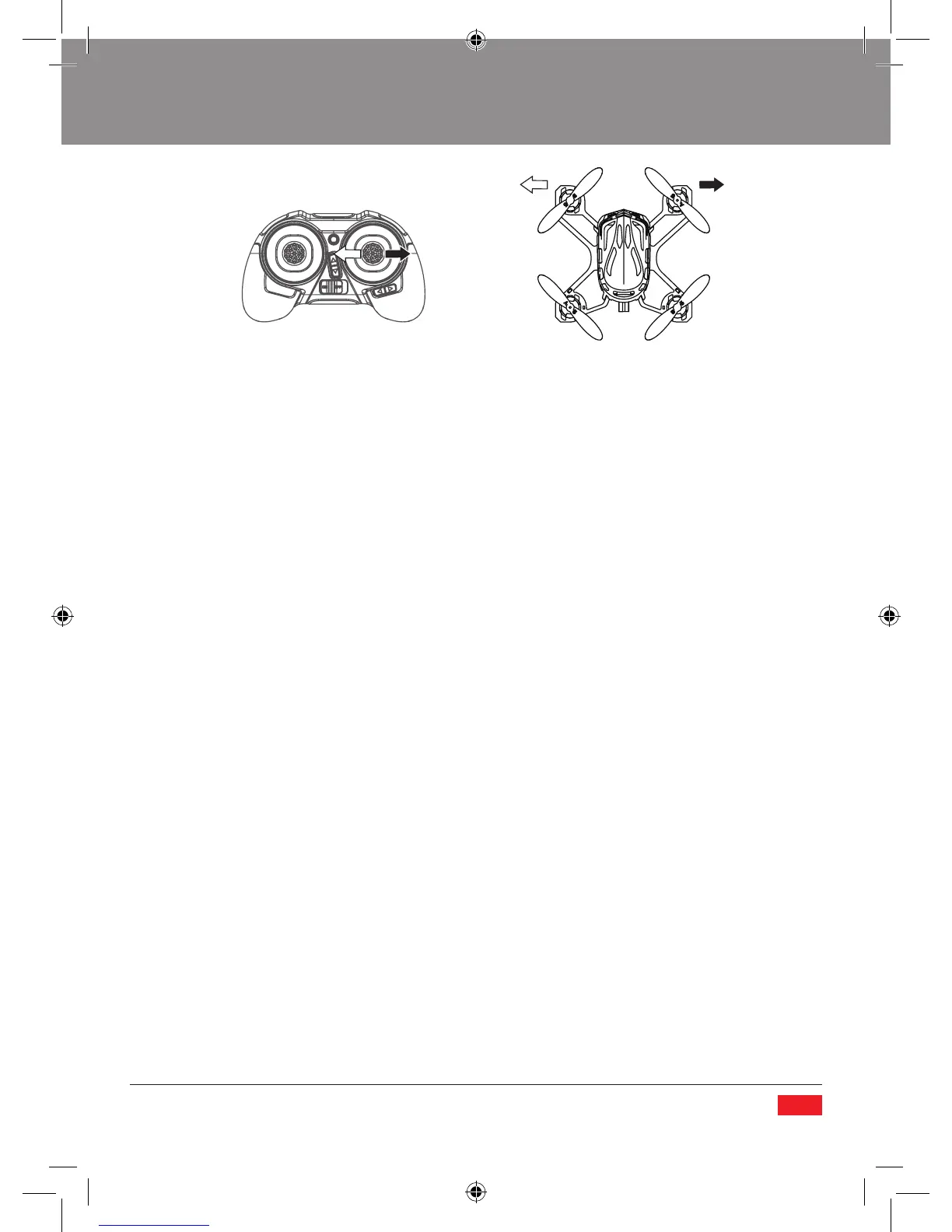
Aileron (Cyclic Roll) moves your quadcopter ‘sideways’ Left/Right.


 To Next Page