EasyManua.ls Logo

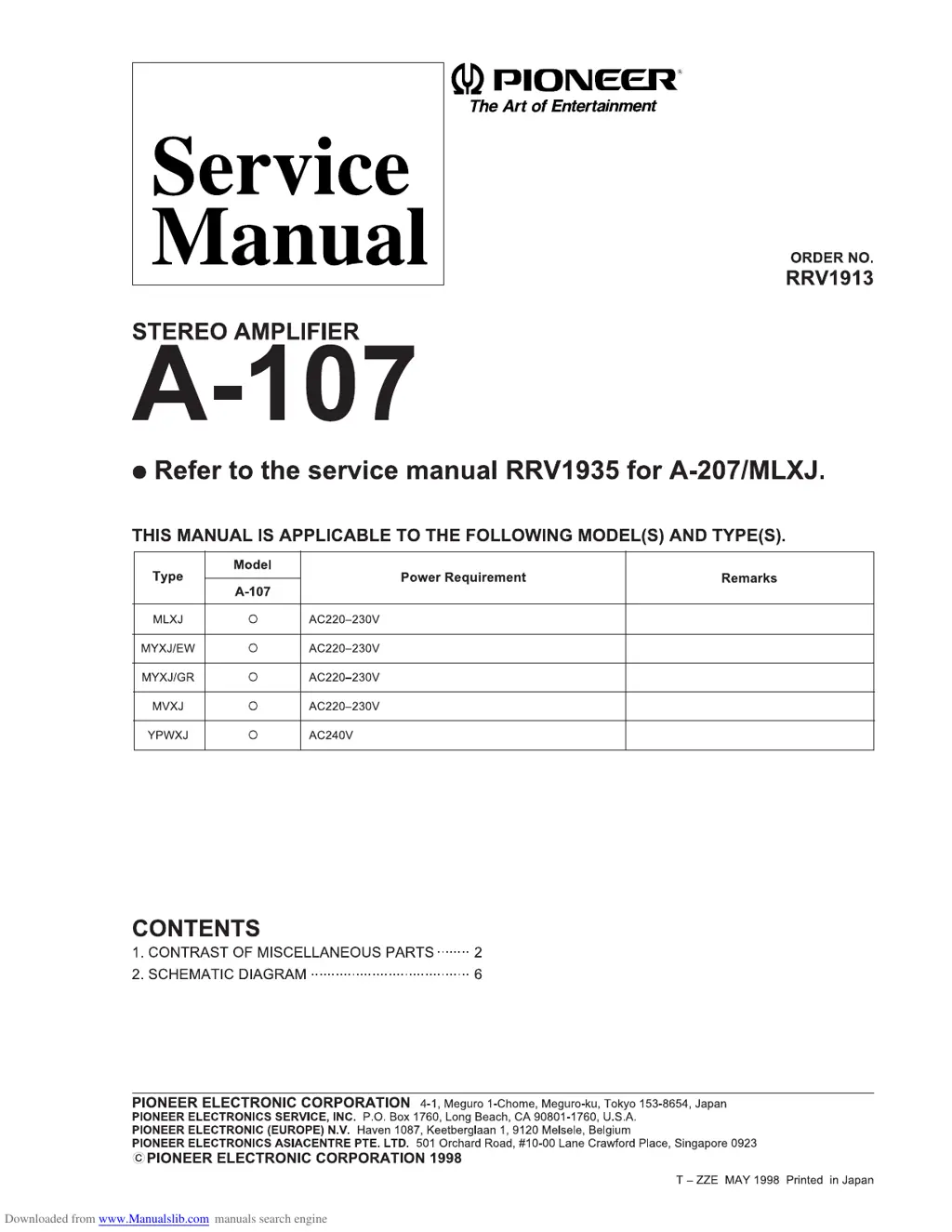
Pioneer A-107 - Service Manual

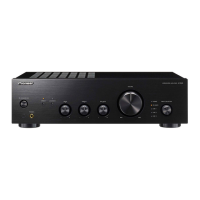
Pioneer A-107
8 pages
Print Icon
To Next Page IconTo Next Page
Loading...
012314506
780533143931058401701805 !"#$#%
780533143931058&4&31'83(4856)*+*,-.!/0%,#123/ /.!/4*5*2*
780533143931058463710738456'69#:%/ .;<=>##%3?/>@>,>A
780533143931058&4&8351347364926/+1#BC#BD///0#%#EFB)>#15A%#$/3?
GGGG
GGGG
GG7805331439310584017018054HIIJ
11'HIHK
&31304L798M831
NHOP
*+QC25+RS5T002QT+45)2C5
********
?
?*59T2SUS2VC2
***************************************
!
0535&
WXXT2Y33 )A%<BA%"#$#%
Z41[\[]4^_4^`[4a[]bcd[4efghfi411'HIKj4\_]4NkOPlL9mn6
op[
7_q[]41[rhc][e[g^
1[ef]sa
L_t[i
NHOP
u8&4L57948&47798v93404u34M0990w85x4L02396&84524y736&86
0z" { 2??/W?/|
Yz"}T~ { 2??/W?/|
Yz"}VC { 2??/W?/|
|z" { 2??/W?/|
Y)~z" { 2?/|

Other manuals for Pioneer A-107

Questions and Answers

  • A
    Ashley BanksJul 27, 2025
    What to do if there is no sound from my Pioneer A-107 Amplifier?
    • A
      April ClarkJul 27, 2025
      If there's no sound coming from your Pioneer Amplifier, make sure the connecting cords are securely attached to the terminals. Also, ensure that the terminals and cord plugs are clean. Check that the TAPE 2 MONITOR button is set to OFF (unless you're using an adaptor component). Verify that the INPUT SELECTOR matches the component you want to play (CD, TUNER, PHONO, LINE, TAPE 1/MD), and confirm the SPEAKERS button is set to ON. If you are still experiencing issues, consult the operating instructions for the other components.
  • G
    gprattAug 2, 2025
    Why is there no sound from one speaker on my Pioneer A-107 Amplifier?
    • C
      Christine SmithAug 2, 2025
      If you're only getting sound from one speaker on your Pioneer Amplifier, check the connecting cords and speaker cords on the side that's not working to ensure they are securely connected. Also, make sure the BALANCE control is set to the center position.
  • P
    pacejeremyAug 7, 2025
    How to troubleshoot a Pioneer A-107 Amplifier that has no power?
    • K
      Kathy SpearsAug 7, 2025
      If your Pioneer Amplifier isn't receiving power, first ensure the power plug is securely inserted into the outlet. Check that the amplifier’s power plug is not plugged into another component’s power outlet that is disconnected. Also, verify that the AC INLET plug is fully inserted into the jack.
  • U
    ugordonAug 14, 2025
    What to do if my Pioneer A-107 cannot record tapes?
    • M
      Madison LarsenAug 14, 2025
      If you're unable to record tapes with your Pioneer Amplifier, first ensure that all connections are properly reconnected. Also, be sure that the TAPE 2 MONITOR button is set to OFF. If the issue persists, consult the operating instructions for the cassette deck.
  • T
    Tracey LoganAug 20, 2025
    How to fix tape copying issues on a Pioneer A-107?
    • S
      Scott KimAug 20, 2025
      If you're having trouble copying tapes with your Pioneer Amplifier, ensure that the INPUT SELECTOR knob and TAPE 2 MONITOR button are set correctly. (See section COPYING TAPES.) If problems persist, consult the operating instructions for the cassette decks.

Summary

CONTRAST OF MISCELLANEOUS PARTS

CONTRAST OF PCB ASSEMBLIES

DF AF ASSY Contrast

Compares part numbers for AF Assy (AWX7111 vs AWX7116).

EF FRONT L ASSY Contrast

Compares part numbers for Front L Assy (AWX7120 vs AWX7122).

SCHEMATIC DIAGRAM

2.1 AF ASSY Schematic

Schematic diagram for the AF Assy.

2.2 FRONT L ASSY Schematic

Schematic diagram for the Front L Assy.

Pioneer A-107 Specifications

General IconGeneral
BrandPioneer
ModelA-107
CategoryAmplifier
LanguageEnglish

Related product manuals