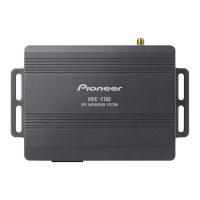
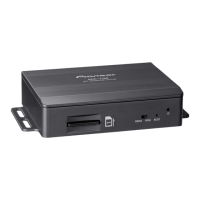
Connecting the system
WIRED REMOTE INPUT
Please see the Instruction
Manual for the Wired Remote
Control Adapters (sold separately).
The navigation unit
USB connector
Connect either the interface
cable for iPod or an
appropriate USB storage
device.
*1
— When connecting your iPod, both connections are necessary.
— It is necessary to set [AV1 Input] in [AV Settings] to [iPod] when
connecting the iPod. (For details, refer to “Operation Manual”.)
*
1
Green
5 m
Aerial
jack
RDS-TMC tuner
Vehicle
aerial
2 m
1 m
30 cm
Connecting the System
Engb
8
Section
03



 To Next Page
 Loading...