3En
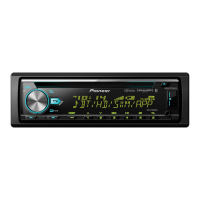
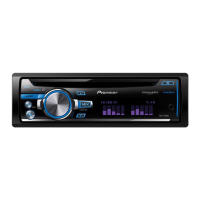
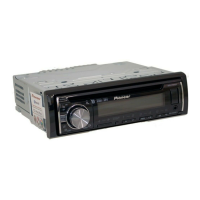
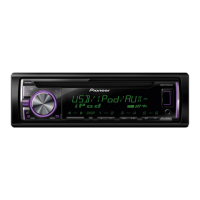
DEH-X7850BT
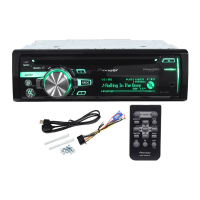
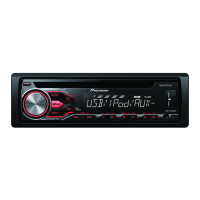
MVH-X585BT
Getting Started
Basic operation
SRC (source)/OFF
Detach button
Display window
M.C. (multi-control) dial
BAND/
DISP (display)/DISP OFF
SRC (source)/OFF
Detach button
Display window
M.C. (multi-control) dial
BAND/
DISP (display)/DISP OFF
Remote Control
Frequently used operations
The available buttons vary depending on the unit.
* When this unit’s blue/white lead is connected to the vehicle’s auto-antenna relay control terminal,
the vehicle’s antenna extends when this unit’s source is turned on. To retract the antenna, turn the
source off.
Purpose
Operation
Head Unit Remote Control
Turn on the power* Press SRC/OFF to turn on
the power.
Press and hold SRC/OFF to
turn off the power.
Press SRC to turn on the
power.
Press and hold SRC to turn
off the power.
Adjust the volume Turn the M.C. dial. Press VOLUME + or –.
Press MUTE to mute the
unit. Press again to unmute.
Select a source Press SRC/OFF repeatedly. Press SRC repeatedly.
Change the display
information
Press DISP/DISP OFF
repeatedly.
Press and hold DISP/DISP
OFF to turn off the display
information.
Press DISP repeatedly.
Return to the previous
display/list
Press BAND/ . Press / to select the
next/previous folder.
Return to the normal display
from the menu
Press and hold BAND/ .
–
Answering a call Press . Press .
Ending a call Press . Press .
/
SRC (source)
VOLUME +/–
MUTE
DISP (display)



 To Next Page
 Loading...