EasyManua.ls Logo

Pioneer SBX-D201 - User Manual

Pioneer SBX-D201
21 pages
Print Icon
To Next Page IconTo Next Page
Loading...
Thank you for choosing SBX-D201.
To ensure its safe use, you are advised to read through this Instruction Manual before
use.
Also, it is recommended to have the manual nearby for frequent access.
Be sure to read Important Safety Instructions on Pages 4 to 6 before starting to
use SBX-D201.
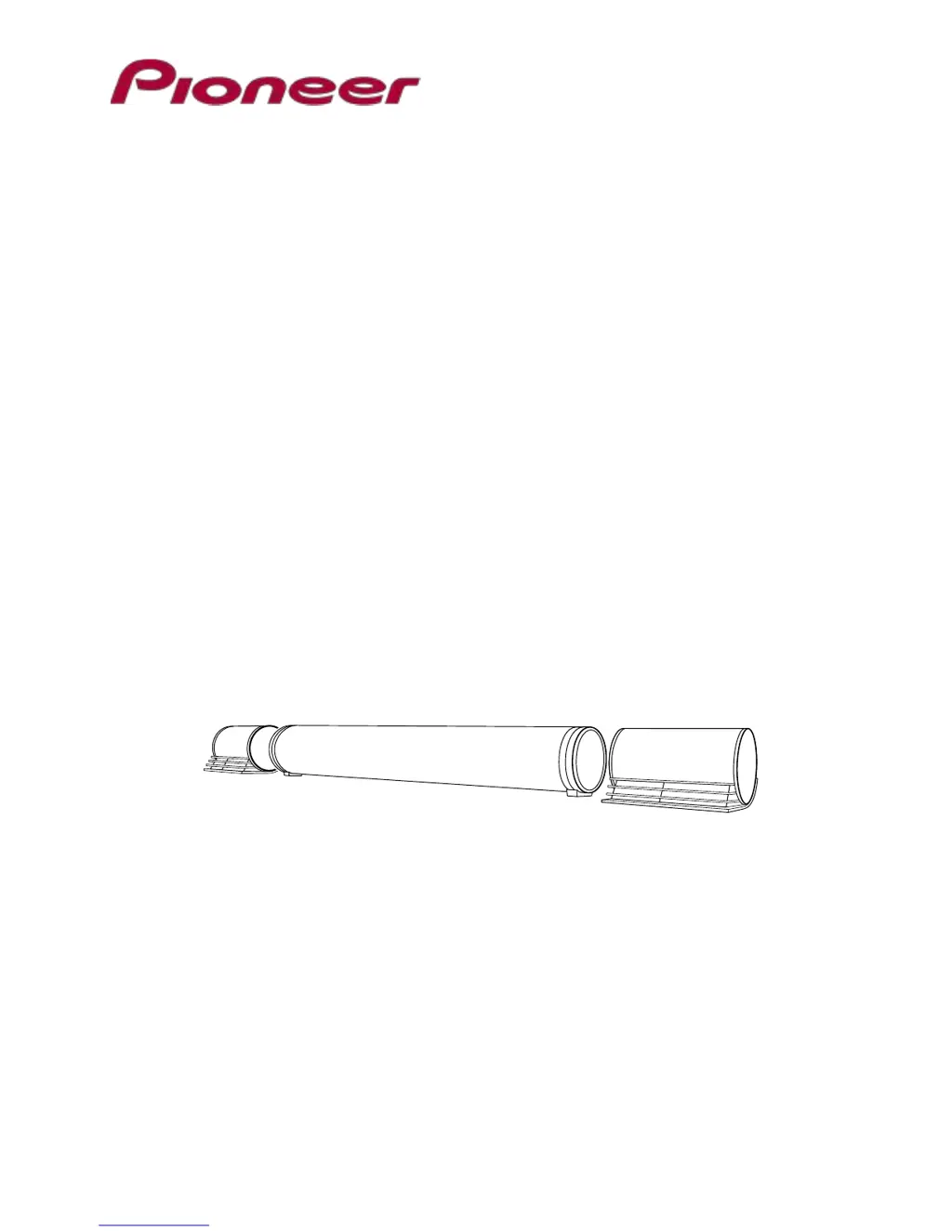
Instruction Manual
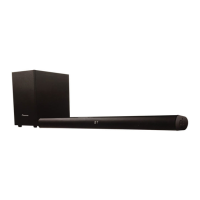
SBX-D201
Speaker Bar

Questions and Answers

  • J
    Jack SimmonsAug 13, 2025
    What to do if my Pioneer Speaker System remote controller isn't working?
    • S
      Shelly DavisAug 13, 2025
      If your Pioneer Speaker System remote isn't working, first ensure there are no obstacles blocking the path between the remote and the infrared receiver. Then, check the remote's button cell and replace it if it's depleted, ensuring correct anode and cathode orientation. If problems persist after these steps, the remote may be defective, and you should consult the dealer from whom you purchased the product.
  • C
    Christopher JohnsonAug 16, 2025
    What to do if my Pioneer SBX-D201 Speaker System shuts down unexpectedly?
    • B
      Brenda MaldonadoAug 16, 2025
      If your Pioneer Speaker System shuts down, several factors could be the cause. First, avoid switching sound modes or input sources too quickly; allow at least two seconds between switches. Ensure the volume isn't minimized and that muting isn't active by pressing the MUTE or VOL (+)(-) buttons. Verify the correct device is selected and properly connected with a working cable. Also, check the speaker cable connection to the subwoofer terminal and ensure the covered part of the cable isn't caught. If connected via HDMI (ARC), confirm the television speaker is switched to an external speaker and the optical digital sound is set to PCM. Note that power supply may not operated simultaneously with HDMI on the television.
  • E
    eatonjosephAug 20, 2025
    Why is my Pioneer Speaker System connection not permitted or the sound interrupted?
    • E
      Erika RobertsAug 20, 2025
      If you're experiencing connection issues or interrupted sound with your Pioneer Speaker System, it could be due to several reasons. Nearby devices emitting electric waves can interfere, so try repositioning them and the SBX-D201. Ensure your Bluetooth-enabled device is within range of the SBX-D201. A faulty pairing can also cause this issue, so try redoing the pairing process.
  • A
    Amber RomeroAug 25, 2025
    Why won't my Pioneer SBX-D201 Speaker System automatically power on with the TV?
    • G
      gsheltonAug 25, 2025
      If your Pioneer SBX-D201 isn't automatically powering on when the TV is turned on, check the HDMI interlocking setting information for the television to ensure that power interlocking is selected.
  • I
    Isaiah WadeAug 28, 2025
    Why does my Pioneer SBX-D201 Speaker System power off when the TV is on standby?
    • A
      Adam RodriguezAug 28, 2025
      If your Pioneer SBX-D201 powers off when the TV goes into standby, check the television's HDMI interlocking settings to ensure the power interlocking option is selected.
  • A
    Ashley EstradaSep 1, 2025
    Why is there an image and sound delay on my Pioneer SBX-D201 Speaker System?
    • G
      George WhiteSep 1, 2025
      When switching inputs or speakers on your Pioneer Speaker System, there might be a delay before the image and sound are output.
  • R
    Robert ButlerSep 4, 2025
    How to fix a Pioneer Speaker System that will not power on?
    • M
      Maria SmithSep 4, 2025
      If your Pioneer Speaker System won't power on, ensure the power cord with an AC adapter is securely connected and the power plug is properly inserted into an outlet.
  • J
    Justin DominguezSep 8, 2025
    How to fix uncontrollable Pioneer SBX-D201 Speaker System?
    • K
      Kara AllenSep 8, 2025
      To fix an uncontrollable Pioneer Speaker System, reset the unit.

Summary

Product Overview and Features

SBX-D201 Capabilities

Describes what the SBX-D201 system can do, like wireless music and sound quality.

Trademarks and Licensing

Details about trademarks like Bluetooth, HDMI, Dolby, DTS.

Important Safety Instructions

Apparatus Safety Warnings

Warnings regarding fire, electric shock, and exposure to moisture or rain.

Servicing and Damage Information

Guidelines on when professional service is required due to damage or malfunction.

General Precautions and Care

Covers usage, legal advice, cleaning, power safety, health, and battery precautions.

Handling and Usage Guidelines

Safe handling practices and notes for using the unit.

Package Contents Check

Main Unit Identification

Identifies the main subwoofer unit included in the package.

Power Accessories

Lists the AC adaptor and power cord as part of the package contents.

Remote Control and Battery

Specifies the remote controller and its button cell battery.

Speaker Components

Confirms the inclusion of two satellite speakers.

Ancillary Accessories

Lists the infrared ray receiver, adhesive feet, spacers, and screws.

Documentation Included

Confirms the presence of the manual and quick start guide.

Product Functions and Identification

Subwoofer Overview

Details the upper and rear face functions and indicators of the subwoofer.

Front and Rear Panel Terminals

Identifies and explains the rear panel terminals like DC IN, AUX, SPEAKERS, HDMI.

Remote Controller Operation

Power and Volume Control

Describes how to turn the unit on/off and adjust volume using the remote.

Input Source Selection

Explains how to switch input sources like Bluetooth, AUX, and HDMI.

Sound Mode Adjustment

Details how to select sound modes like MUSIC, CLEAR VOICE, CINEMA.

Installation Procedures

Speaker Bar Mounting

Instructions on how to install the SBX-D201 speaker bar behind a television.

Satellite Speaker Connection

Guide on connecting the left and right satellite speakers to the subwoofer terminals.

HDMI and ARC TV Connection

How to connect the speaker bar to a TV using HDMI (ARC) for audio output.

Infrared Ray Receiver Setup

Steps to connect the infrared ray receiver to the subwoofer.

AC Power Connection

Instructions on connecting the AC adaptor and power cord to the subwoofer.

HDMI-Ready Device Connection

How to connect the speaker bar to HDMI-ready devices like DVD players.

Analog Device Connection

Instructions for connecting the speaker bar using an analog audio cable.

Remote Controller Preparation

How to prepare the remote controller by pulling out the insulation sheet.

Remote Battery Replacement

Steps to replace the button cell battery in the remote controller.

Enjoy Sound

Basic Operations Guide

Explains fundamental operations like power, input selection, volume, and muting.

Power ON and OFF

How to turn the unit on and off using the subwoofer or remote.

Input Source Selection

Guide to selecting audio input sources like AUX, HDMI, Bluetooth.

Volume and Mute Control

Instructions on adjusting sound volume and using the mute function.

Sound Mode Selection

How to choose different sound modes like MUSIC, CLEAR VOICE, CINEMA.

Bluetooth Device Usage

Pairing a Bluetooth Device

Steps to pair a Bluetooth device with the SBX-D201 for wireless audio.

Wireless Music Playback

How to play music from a connected Bluetooth device.

Disconnecting Bluetooth Devices

Methods to disconnect a paired Bluetooth device.

Troubleshooting Common Issues

Unit Reset Procedure

Procedure to reset the unit when it becomes uncontrollable or unresponsive.

Factory Initialization

How to initialize the SBX-D201 to return it to factory default settings.

Power-On Failures

Troubleshooting steps for when the unit fails to power on.

Remote Operation Problems

Solutions for issues where the remote controller is not working.

Remote Battery Check

Verifying correct button cell orientation in the remote controller.

Unit Shutdown Issues

Troubleshooting steps for unexpected unit shutdown.

No Sound Output Troubleshooting

Steps to resolve issues where no sound is produced by the unit.

HDMI Connectivity Troubleshooting

Image and Sound Delay

Explains potential delays between image and sound, especially with input switching.

HDMI Interlocking Issues

Troubleshooting for HDMI interlocking issues and device connectivity.

TV Power Interlock Problems

Addresses issues related to the unit's power status linked to the TV's power.

Bluetooth Connectivity Issues

Connection and Sound Interruption Solutions

Solutions for Bluetooth connection failures or sound interruptions.

Product Specifications

Product Identification

Specifies the product name and model number.

Power and Impedance Details

Details the power requirements, voltage, and impedance values.

Physical Dimensions and Mass

Provides the physical dimensions and weight of the unit.

Speaker and Output Specifications

Details speaker specifications and maximum output power levels.

Connectivity and Format Support

Lists input/output terminals and compatible audio formats.

Bluetooth and Surround Features

Provides specifications for Bluetooth and Surround Sound features.

Pioneer SBX-D201 Specifications

General IconGeneral
BrandPioneer
ModelSBX-D201
CategorySpeaker System
LanguageEnglish

Related product manuals