M0158B IT | en
42 /60
Installation, use and maintenance
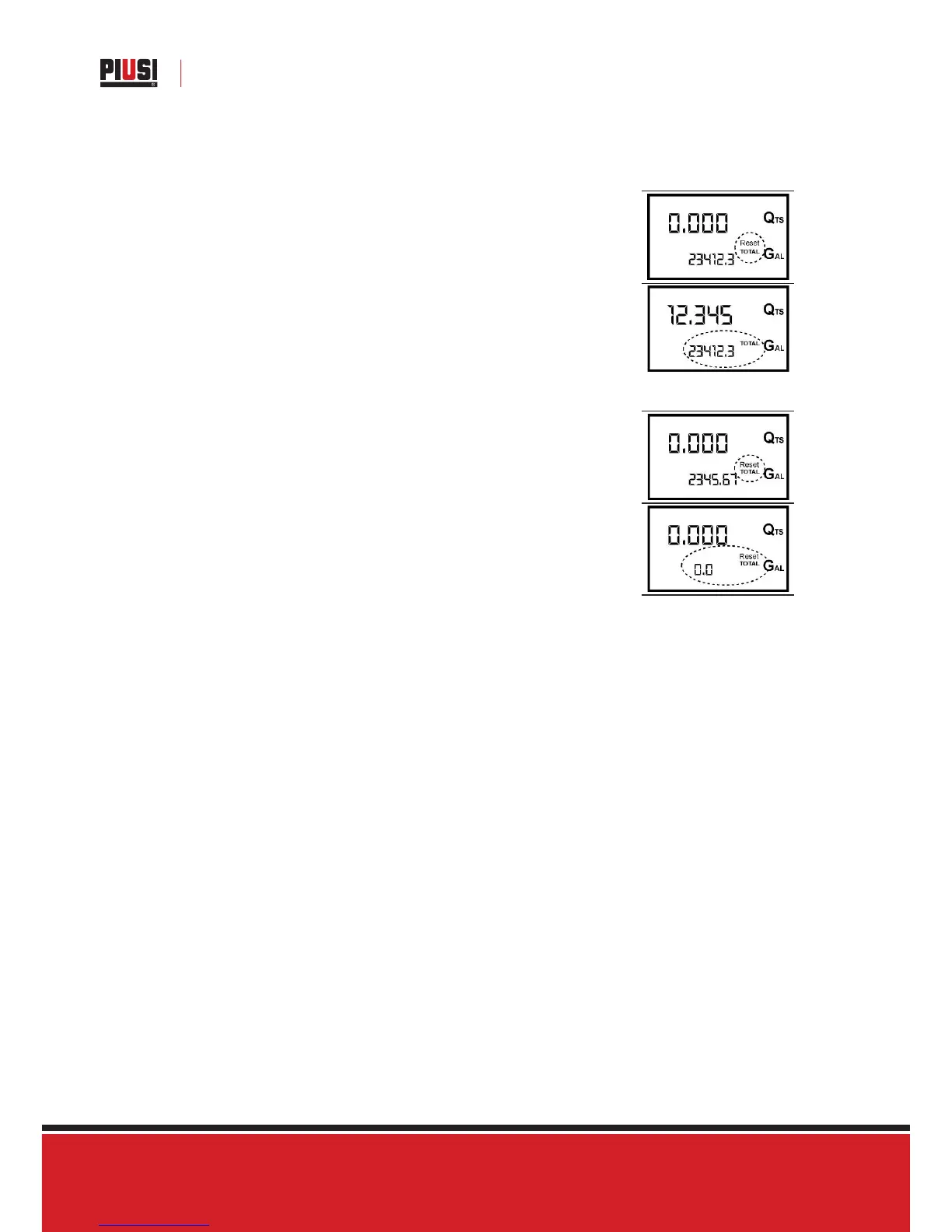
G.2 RESETTING THE RESET TOTAL
The reset total resetting operation can only be performed after resetting
the partial register. The reset total can in fact be reset by pressing the reset
key at length while the display screen shows reset total as on the following
display page:
Schematically, the steps to be taken are:
1 Wait for the display to show normal standby display page (with total only
displayed)
2 Press the reset key quickly
3 The meter starts to reset the partial
4 While the display page showing the reset total is displayed
Press the reset key again for at least 1 second
The display screen again shows all the segments of the display followed by all
the switched-off segments and finally shows the display page where the reset
Reset Total is shown.



 To Next Page