Display
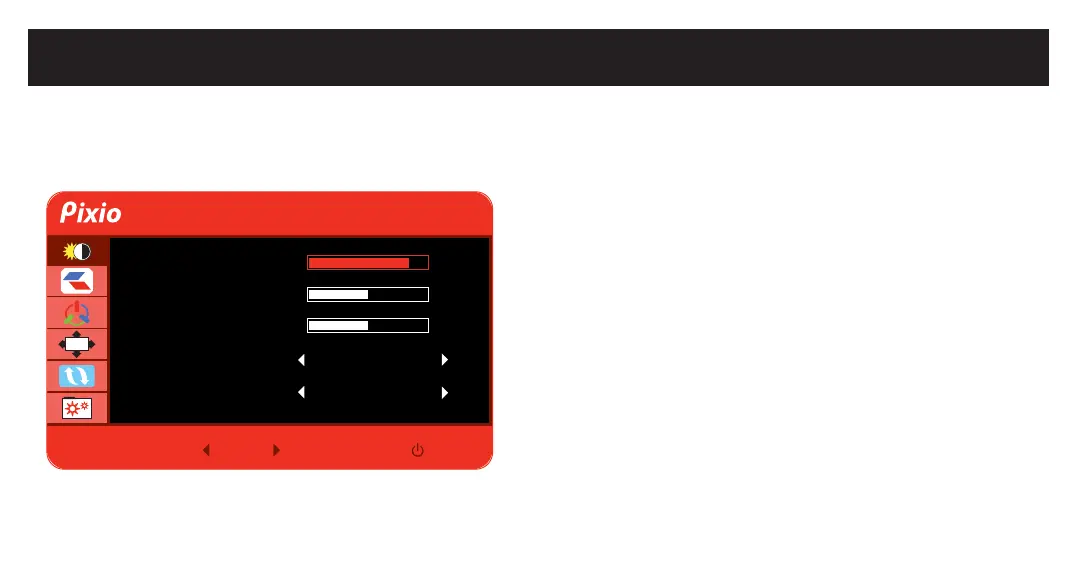
OSD Menu.
•Brightness: Adjust the display brightness value from 0 to 100.
•Contrast: Adjust the display contrast value from 0 to 100.
•Black Equalizer: Adjust the Black Equalizer value from 0 to 100.
•Preset: Select Preset from Standard, Internet, Game, and Movie.
•DCR: Turn DCR On or Off.
Display
Brightness 80
50
Off
Off
Contrast
Black Equalizer
Preset
DCR
V1.0
M E
50
OSD


 To Next Page