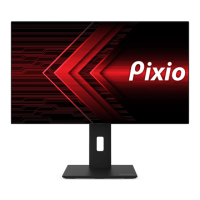
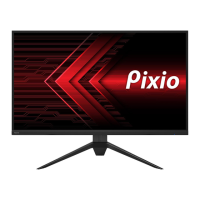
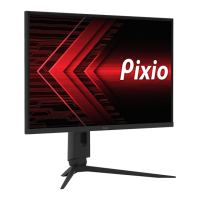
Need help?
Do you have a question about the Pixio PX275h and is the answer not in the manual?
Ensure adequate ventilation and avoid heat sources or direct sunlight for optimal performance.
Details potential issues like flickering, uneven brightness, dead pixels, and image burn-in.
Lists essential components: Monitor, Stand, HDMI Cable, and Power Adapter.
Details button functions: Power Button, Power Light, and OSD Control Buttons.
Explains quick access to Signal Input, HDR Mode, and Picture Mode features.
Switch signal input between DisplayPort, HDMI 1, HDMI 2, or use Auto Select.
Adjust brightness from 0-100, contrast from 0-100, and toggle Dynamic Contrast Ratio.
Adjust Gamma, Picture Mode, Color Temperature, Hue, Saturation, and Low Blue Light.
Adjust Sharpness, Response Time, Noise Reduction, Super Resolution, and Luminance Control.
Change display aspect ratio to Wide Screen, 4:3, 1:1, or Auto.
Control mute status, volume level, and select audio source (DisplayPort, HDMI1, HDMI2).
Manage PIP/PBP features, select input for secondary display, adjust size and position.
Customize OSD language, position, transparency, timeout duration, and rotation.
Configure FreeSync, HDR, Crosshair, update firmware, and reset to factory defaults.
Guide to enabling G-Sync/G-Sync Compatible on Nvidia GPUs for smoother gameplay.

 To Next Page
 General