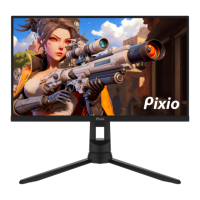
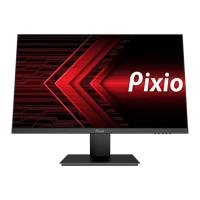
The color and the appearance may differ depending on the product, and the specifications are subject to change without prior
notice to improve the performance.
The contents of this manual are subject to change without notice to improve quality.
Copyright © 2024 Pixio USA Inc. I Pixio is a registered trademark of Pixio USA Inc. I All Rights Reserved.
Use or reproduction of this manual in parts or entirety without the authorization of Pixio USA Inc is prohibited.
All other trademarks are owned by their respective owners.
Input selection Short Key
Preset selection Short Key
Crosshair(LoS) selection Short Key
Open the Main OSD Menu
Turn the monitor On or Off
Short Key Guide
Activate the Preset Feature. Further press to cycle through the preset.
Activate the Signal Input Selection menu. Use and to navigate and M to select the source.

 Need help?

 To Next Page
 General