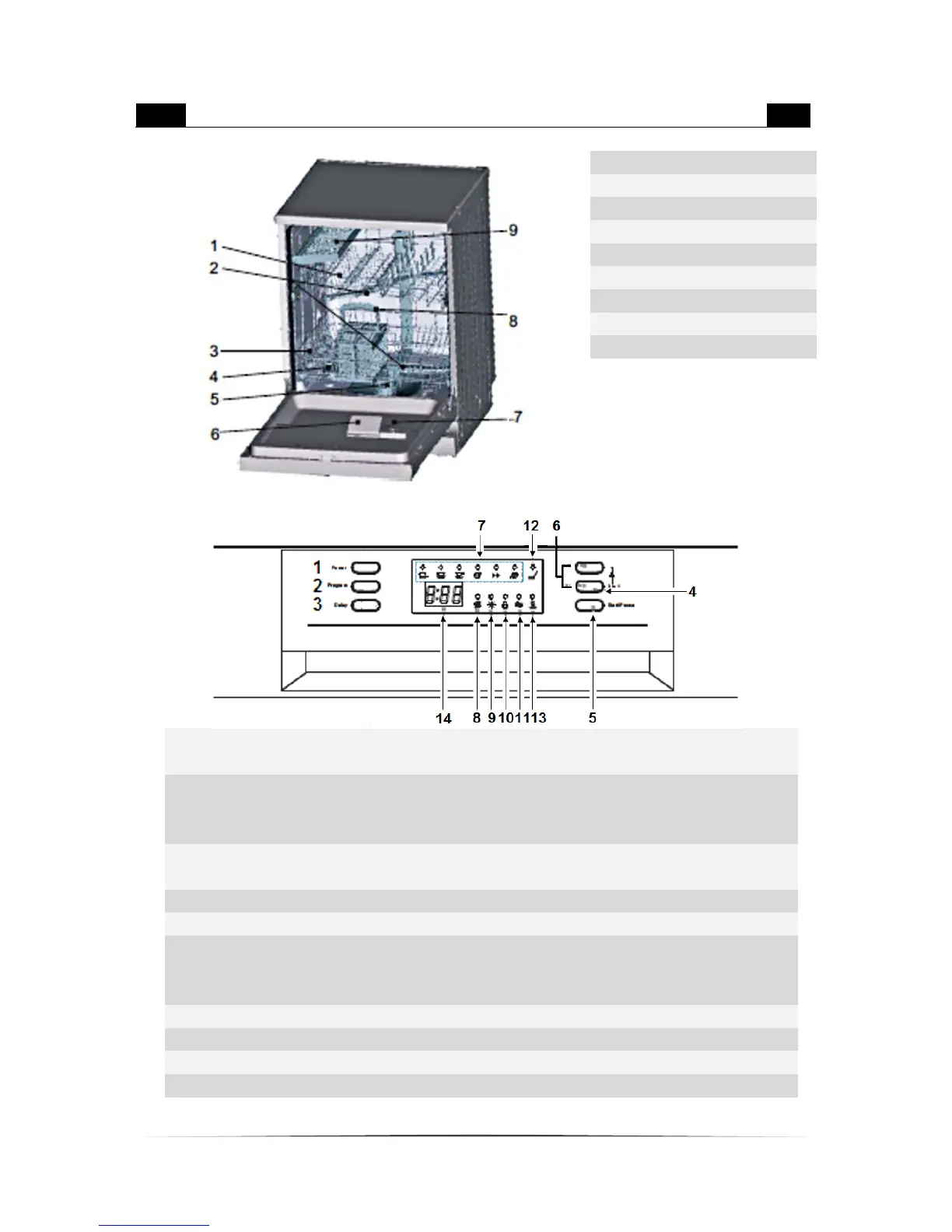
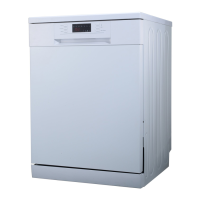
APPLIANCE / CONTROL PANEL
Press the button to switch the appliance on
or off.
Press the button and scroll through the
programs. The relevant control light
indicates the current program.
You can set a automatically delayed starting
time up to 24 h..
Press to switch on or off the 3in1-function..
Starts or pauses the relevant programme.
Press the 2 buttons for 3 seconds. The child
lock is active now. You cannot use any other
button.
Indicates the selected programme.
Lights when have to be refilled.
Lights when have to be refilled.
The indicator will light up after having


 To Next Page