4. Beware of the hot surfaces of the cooking zones!
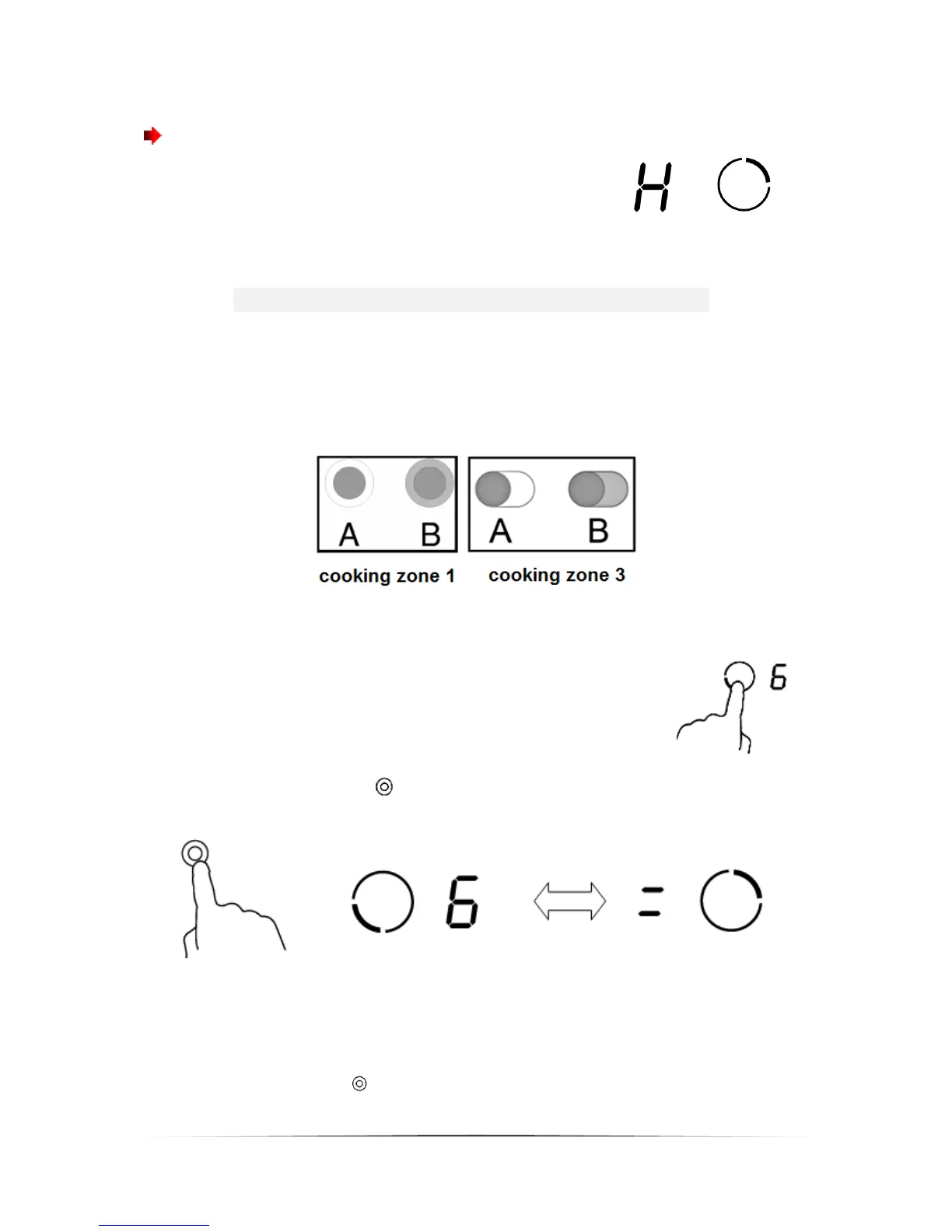
An H indicates which cooking zones are still hot.
The H disappears as soon as the relevant cooking
zone has cooled down. You can use the H for
saving energy → you can start a new cooking
procedure on a cooking zone, which is still
warm/hot.
Use of the dual cooking zones
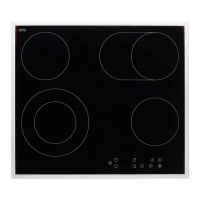
This function is intended for the cooking zones 1 and 3. The dual cooking zones
are equipped with two sections - the central and the additive sections. You can
operate the central section only (A) or both sections simultaneously (B). You can
set the power level from 1 to 9.
How to switch on the dual cooking zones (e.g. power level 6)
1. Touch the SELECTION OF COOKING ZONE-sensor of the
double-ring cooking zone.
2. The power level indicator flashes. Now touch the SELECTION OF DUAL
COOKING ZONES-sensor . The indicator will stop flashing after 5 seconds.
The power level indicator displays (in this example) 6 and = alternately.
How to switch off the dual cooking zones
Touch the relevant SELECTION OF COOKING ZONES-sensor of the dual cooking
zone. The power level indicator will flash. Now touch the SELECTION OF DUAL
COOKING ZONE-SENSOR to switch off the dual cooking zone. In our example
the power level indicator will display 6 then.


 To Next Page