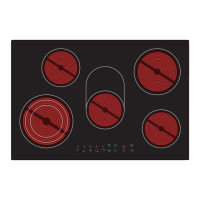
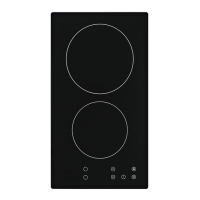
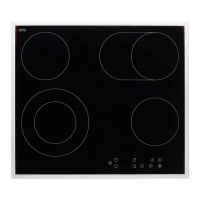
When you have switched on the appliance, a beep sounds once; all indicators light
for 1 second. Now the appliance has entered the stand-by mode.
1. Touch the ON/OFF sensor. All indicators display .
2. Place a cookware on the desired cooking zone. Always keep
the bottom of the cookware as well as the cooking zone clean
and dry.
3. Select the power level by touching a SELECTION OF COOKING
ZONE sensor.
4. Set he power level with the or sensors.
a. When you do not set a power level within 1 minute, the
appliance will switch off automatically. You have to start at
step 1 again.
b. You can change the power level whenever you want while
cooking.
c. You can set the power level from 0 to9.
When you have finished cooking
1. Touch the SELECTION OF COOKING ZONE-sensor
of the cooking zone you want to switch off.
2. Switch off the relevant cooking zone by setting the
sliding control to 0. or touching the or
sensors simultaneously.
3. Switch off the appliance with the On/Off-sensor.


 To Next Page