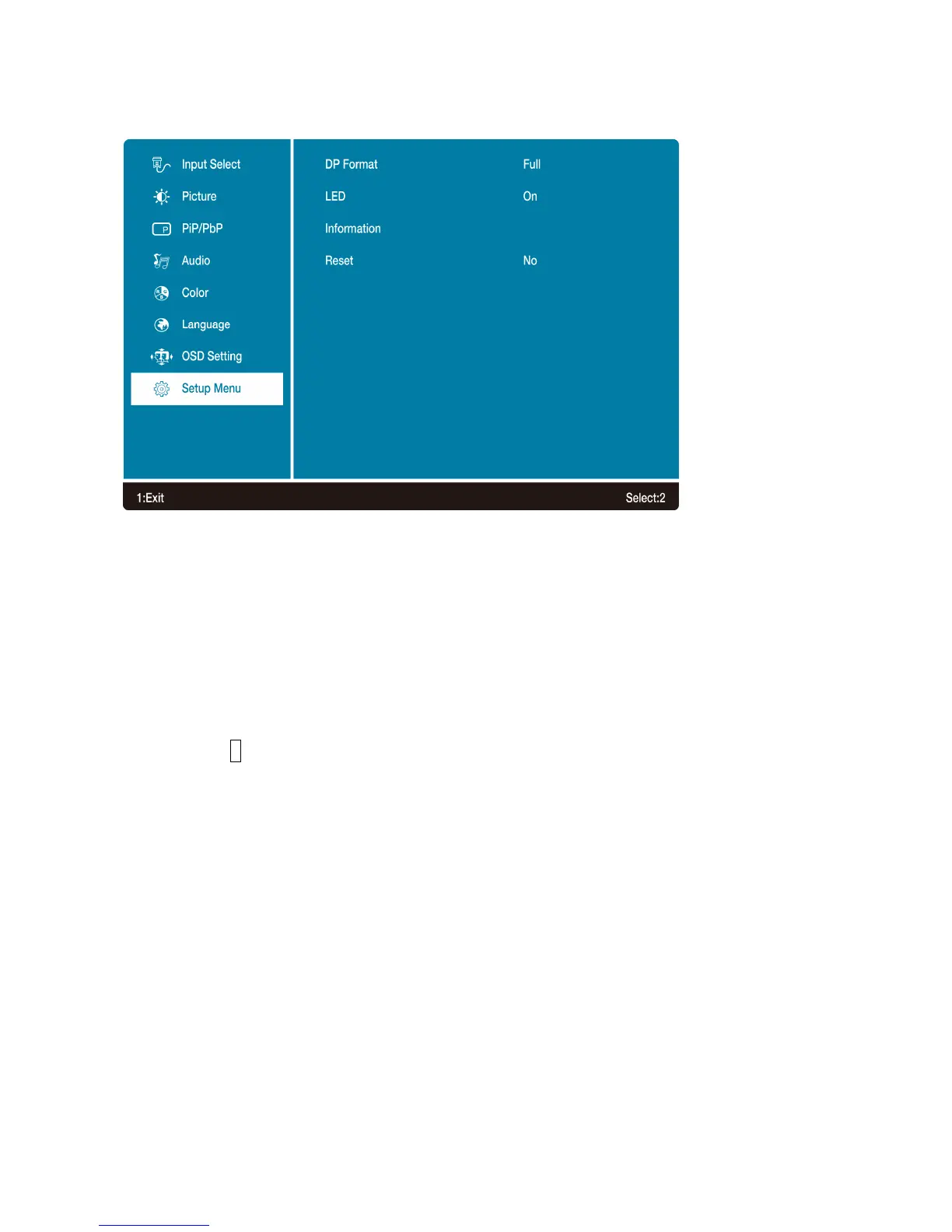
Setup Menu: To set up DP Format, LED, Information and Reset.
• DP Format: To adjust the DisplayPort bandwidth setting.
-Full : Set DP version to 1.4. The maximum resolution is 5120x2880 60Hz.
-Limit : Set DP version to 1.2. The maximum resolution is 3840x2160 30Hz.
• LED: Allows the user to turn the LED Indicator On or Off.
• Information: To display the information, regarding the current input signal coming from the
graphic card in your computer.
Note: See your graphic card user guide for more information about changing the resolution
and refresh rate.
• Reset: To recall factory settings for Video & Audio controls.
Press button 2 to select the Memory Recall menu option.
17



 To Next Page