Advanced Operation—OSD Menu
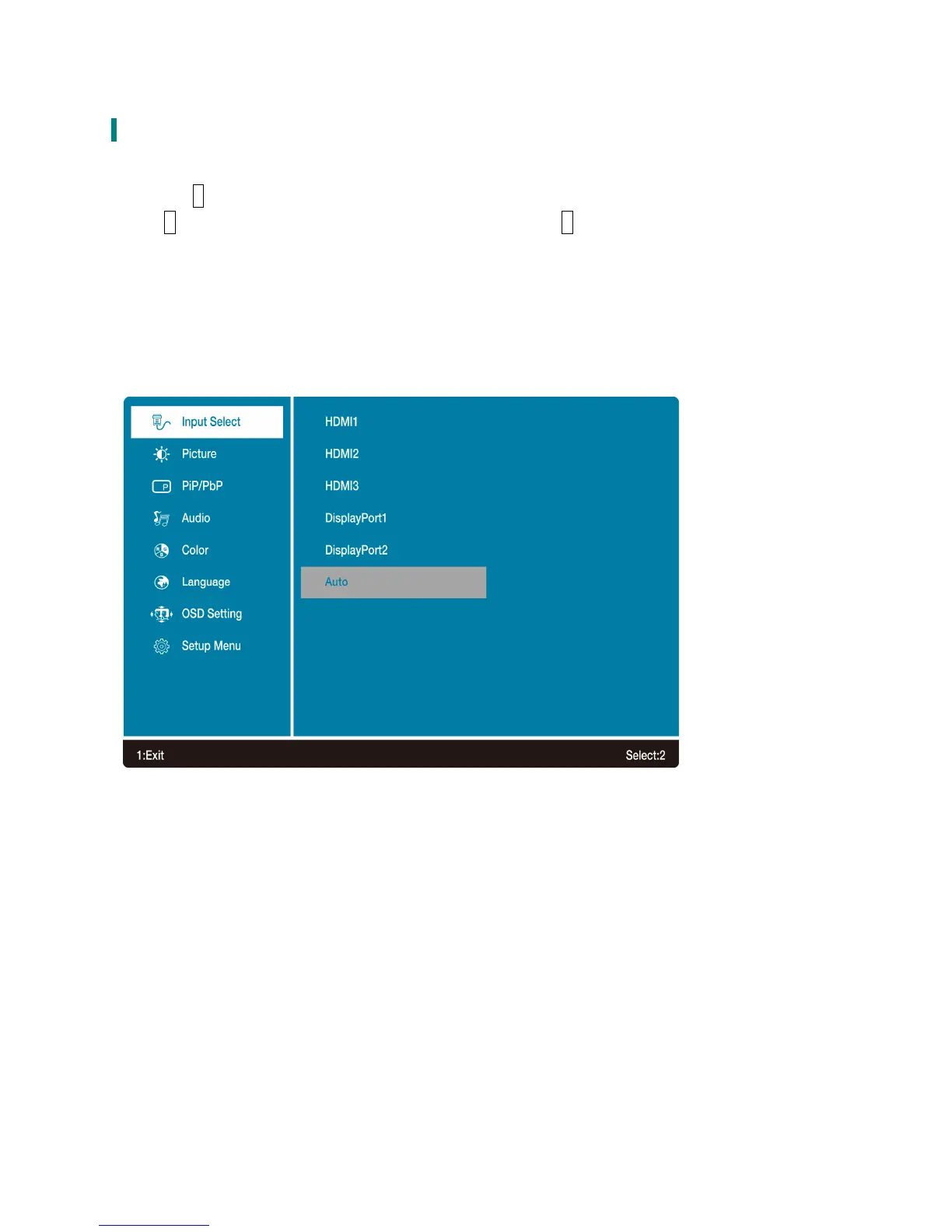
You can use the OSD menu to adjust various settings for your LED LCD Monitor.
Press the 1 button to display the OSD Menu, and use▼ or ▲ to select the desired OSD menu.
Press 2 to confirm or reach the next sub-menu. To exit press 1.
Short Cuts Function from the button(s)
Input: When Input Select is pressed, change Input signal to HDMI1, HDMI2, HDMI3, DisplayPort1,
DisplayPort 2 or Auto.
11



 To Next Page