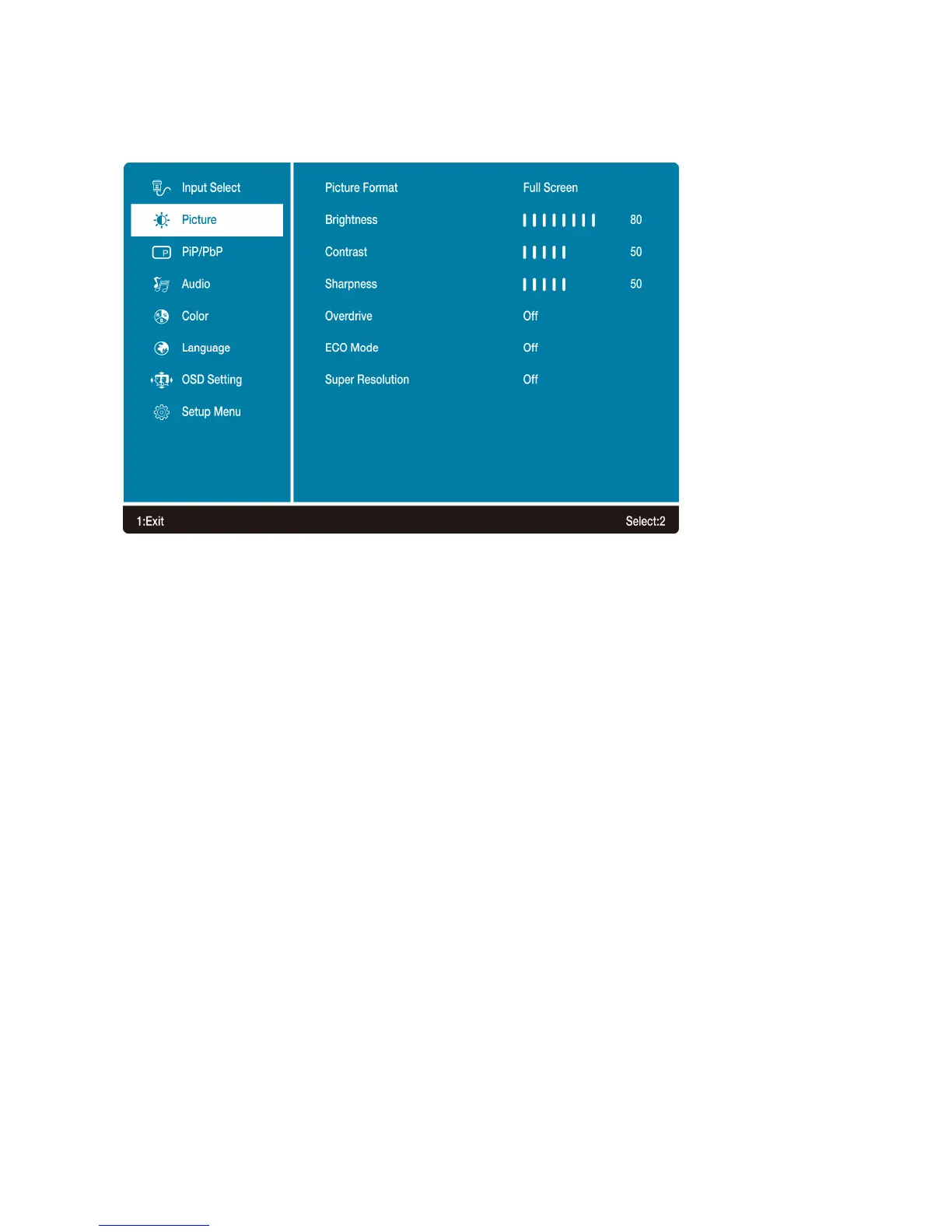
Picture: To manually adjust the Picture Format, Brightness, Contrast, Sharpness, Overdrive, ECO
Mode and Super Resolution of screen image.
• Picture Format: To select the video mode from Full Screen, Aspect Ratio or Dot By Dot.
• Brightness: To adjust the luminance of the video.
▲: increase brightness, ▼: decrease brightness.
• Contrast: To adjust the foreground white level of screen image.
▲: increase contrast, ▼: decrease contrast.
• Sharpness: To adjust the clarity of a non-UHD Resolution (5120 x 2880) signal with ▲ or ▼
button.
• Overdrive: Allows the user to change the Over Drive strength to improve the quality of motion
pictures.
Press ▲ or ▼ key to adjust the Over Drive strength in five levels.
• ECO Mode: Allows the user to turn the ECO On or Off. Brightness and Blue Light Reducer
adjustment will be disabled when ECO Mode is active.
• Super Resolution: Allows the user to enhance the picture quality when viewing video. Lower
level for slow videos, higher level for fast video/games.
Press ▲ or ▼ key to adjust the strength in three levels.
12



 To Next Page