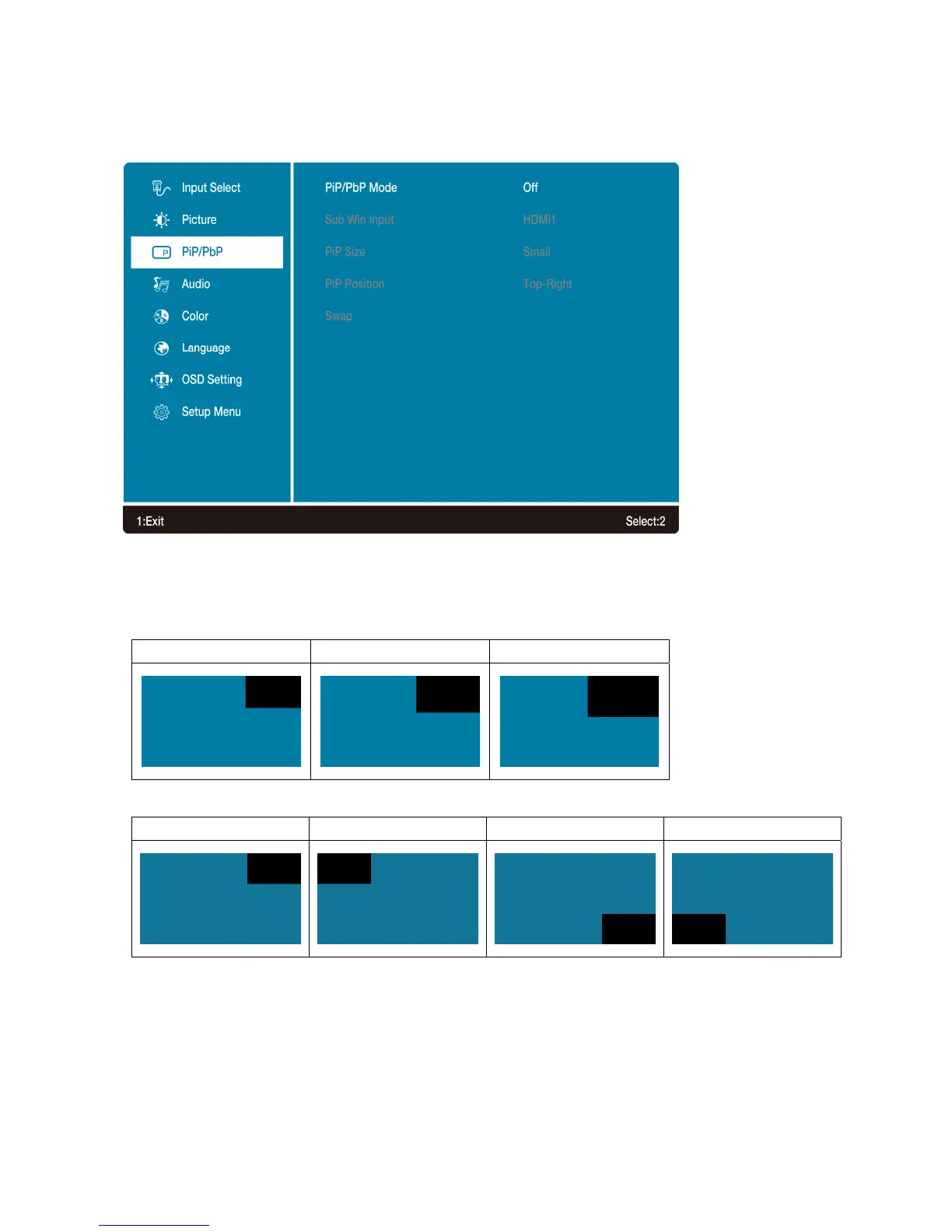
PiP/PbP: PiP/PbP button allows you to watch two screens from different sources at the same
time. (PiP is picture in picture; PbP is picture by picture)
•
PiP/PbP Mode: Toggle to enable/disable PiP/PbP function.
Main Input. Identifies main source (greyed out)
• Sub Win1 Input: To select input source for sub-screen.
• PiP Size: To adjust sub-screen window size.
Small (1792 x 1008) Middle (2048 x 1152) Large (2304 x 1296)
• PiP Position: To adjust sub-screen window position.
Top-Right Top-Left Bottom-Right Bottom-Left
• Swap: Switch between main screen and sub-screen (only for PiP and PbP)
13



 To Next Page