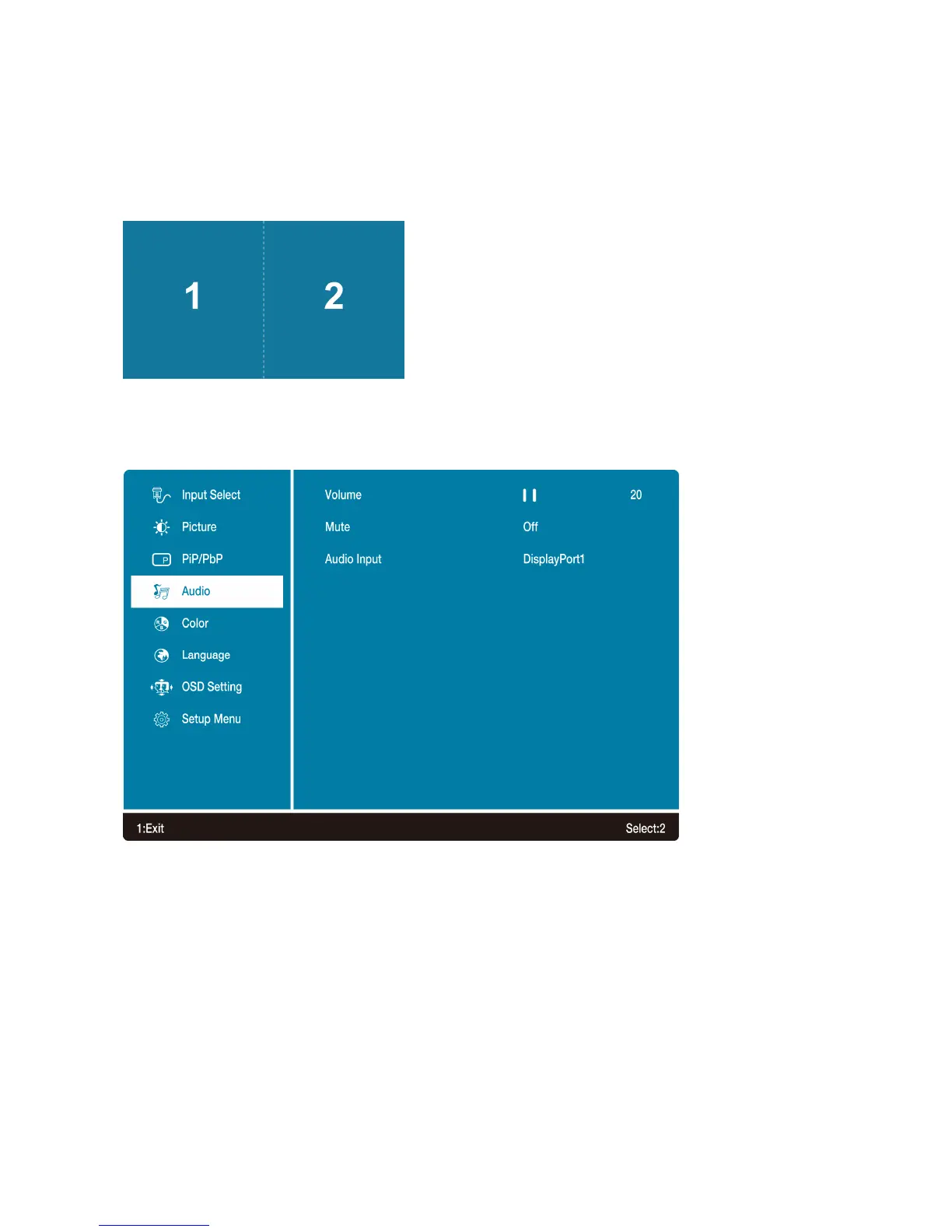
In PbP Mode
Splits the screen left and right equally. In order to achieve full screen on each side,
recommended resolution is 2560 x 2880; however, this is a custom resolution. Check your video
card to see if custom resolution is supported. If not supported, black bars on top and bottom will
result.
Audio Adjust: To adjust the audio functions.
• Volume: To adjust the volume of speaker output.
• Mute: To turn the Mute ON/OFF.
• Audio Input: Default is main source, but can be manually switched in PiP and PbP mode.
14



 To Next Page