13
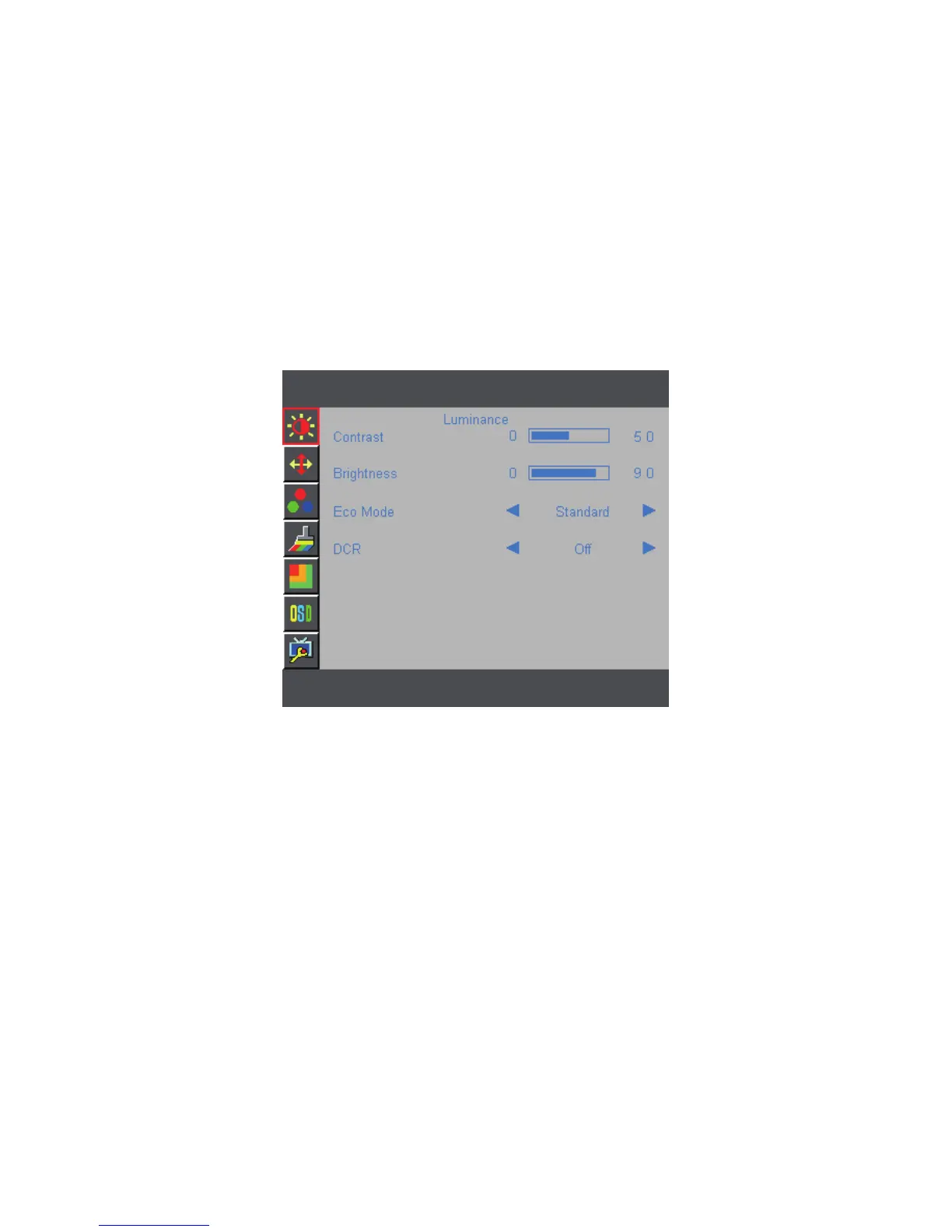
HOW TO ADJUST A SETTING
1. Press the MENU-button to activate the OSD window.
2. Press + or - to navigate through the functions. Once the desired function is highlighted,
press the MENU-button to activate it. If the function selected has a sub-menu, press
+ or - again to navigate through the sub-menu functions. Once the desired function is
highlighted, press MENU-button to activate it.
3. Press + or - to change the settings of the selected function.
4. If you want to adjust any other function, repeat steps 2-3.
Figure 5 The OSD Message



 To Next Page