14
ADJUSTING THE PICTURE
Main Menu
Item
Main Menu
Icon
1
st
Sub
Menu Item
Description
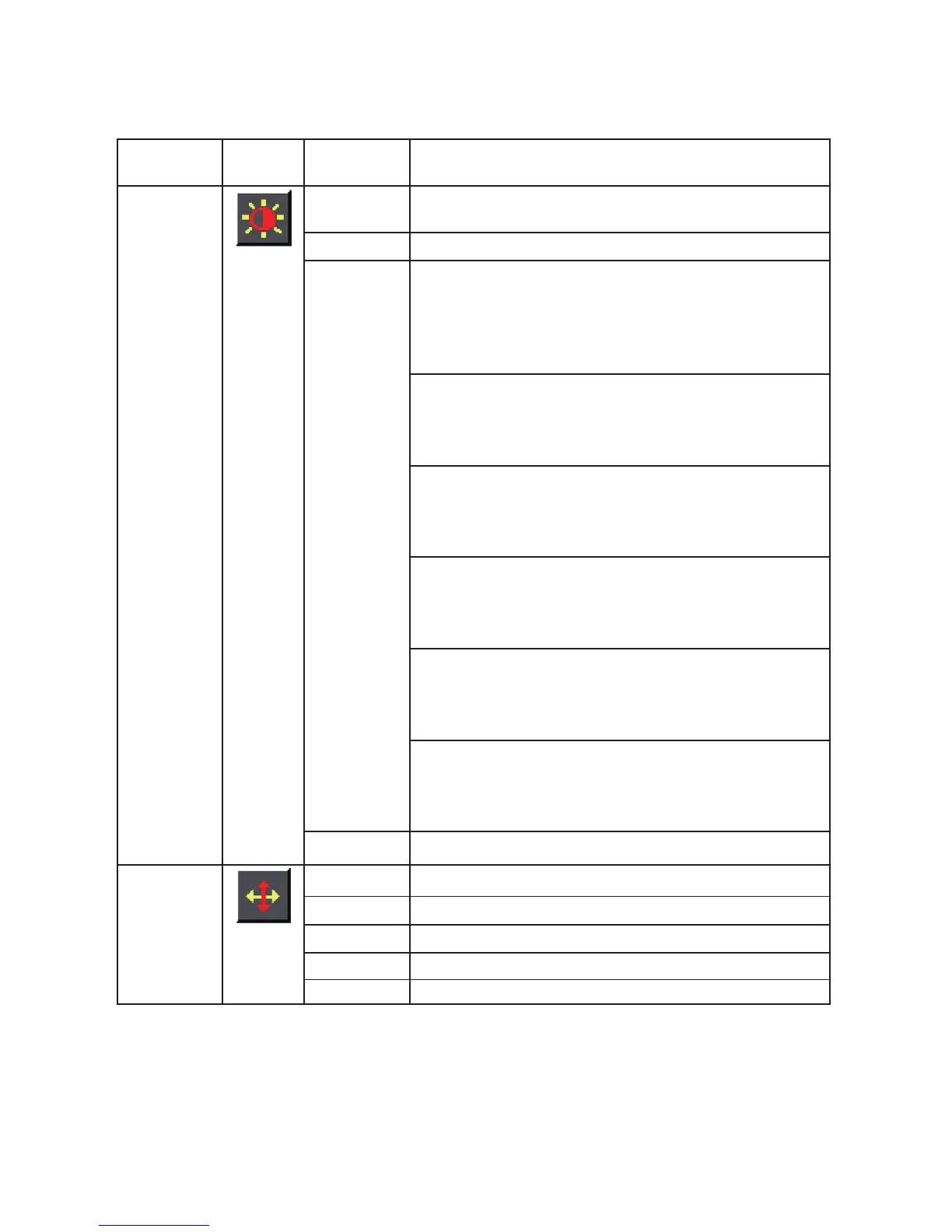
Luminance Contrast Adjusts Image brightness in relation to the
background.
Brightness Adjusts backlight levels.
Eco Mode Picture Adjustment,
Standard:
Brightness = 90,
Contrast = 50.
Brightness, Contrast (Adjustable)
Text:
Brightness = 20,
Contrast = 50.
Brightness, Contrast ,Grayed. (Nonadjustable)
Internet:
Brightness = 40,
Contrast = 50.
Brightne ss, Contrast ,Grayed. (Nonadjustable)
Game:
Brightness = 60
Contrast = 50,
Brightness, Contrast ,Grayed. (Nonadjustable)
Movie:
Brightness = 80,
Contrast = 50,
Brightness, Contrast ,Grayed. (Nonadjustable)
Sports:
Brightness = 100,
Contrast = 50,
Brightness, Contrast ,Grayed. (Nonadjustable)
DCR Dynamic contrast ratio.
Image
Setup
Clock Adjust picture Clock to reduce Vertical-Line noise.
Phase Adjust Picture Phase to reduce Horizontal-Line noise.
H. Position Adjust the horizontal position of the picture.
V. Position Adjust the vertical position of the picture.
Image Ratio Select Image Aspect Ratio.



 To Next Page