User Manual of ENW-9801
- 7 -
Chapter 2 Hardware Installation
2.1 LED Definition
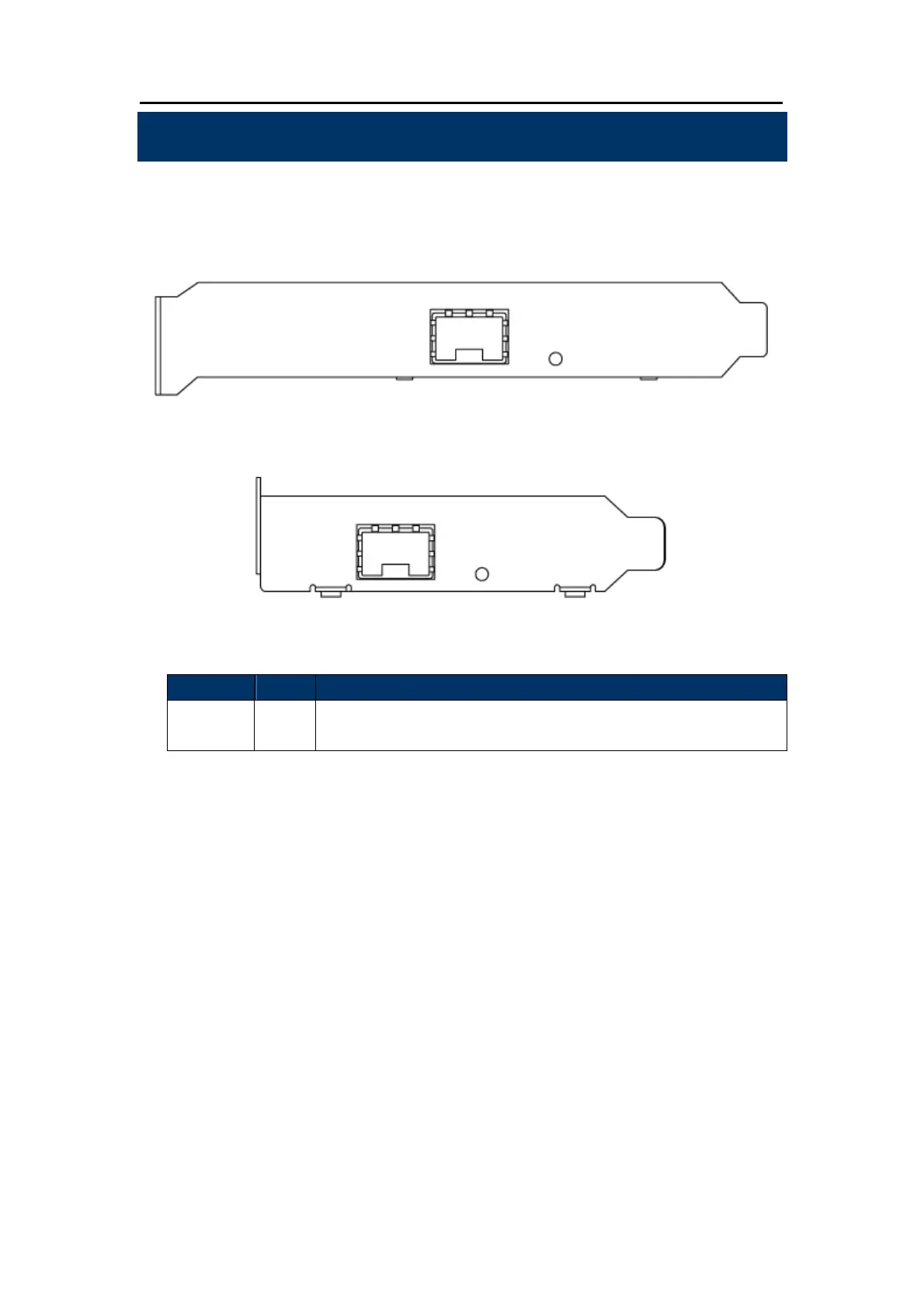
Below are the pictures of the faceplates of the ENW-9801, consisting of one LED: Link / ACT. Table 2-1
explains the function and state of the LED.
Figure 1: Long Profile Bracket of ENW-9801
Figure 2: Low Profile Bracket of ENW-9801
LED Color Description
LNK/ACT Green
When it lights, it indicates a functional network link through the port.
When it blinks fast, it indicates data transmit and receive through the port.
Table 2-1: Descriptions of the ENW-9801 LED



 To Next Page