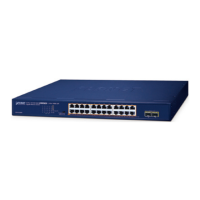
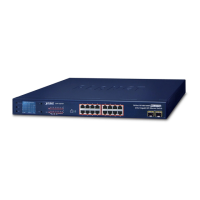
Note: This switch does not need software configuration.
2.2.1 Desktop Installation
To install the switch on desktop, simply follow the next steps:
Step1: Attach the rubber feet to the recessed areas on the bottom of
the switch.
Step2: Place the switch on desktop near an AC power source.
Step3: Keep enough ventilation space between the switch and the
surrounding objects.
Note: When choosing a location, please keep in mind the
environmental restrictions discussed in Chapter 1, Section 1.4
Product Specification.
Step4: Connect your switch to network devices.
A. Connect one end of a standard network cable to the
10/100/1000 RJ-45 ports on the Back of the switch.
B. Connect the other end of the cable to the network devices such
as printer servers, workstations or routers…etc.
Note: Connection to the switch requires UTP Category 5 network
cabling with RJ-45 tips. For more information, please see the Cabling
Specification in Appendix A.
Step5: Supply power to the switch.
A. Connect one end of the power cable to the switch.
B. Connect the power plug of the power cable to a standard wall
outlet.
When the switch receives power, the Power LED should remain solid
Green.



 To Next Page
 Loading...