Caution:
You must use the screws supplied with the mounting brack-
ets. Damage caused to the parts by using incorrect screws
would invalidate your warranty.
Step3: Secure the brackets tightly.
Step4: Follow the same steps to attach the second bracket to the opposite side.
Step5: After the brackets are attached to the Switch, use suitable screws to
securely attach the brackets to the rack, as shown in Figure 2-4.
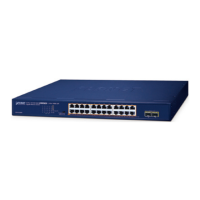
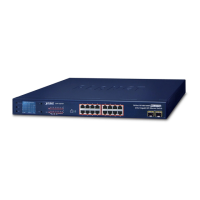
Figure 2-4 Mounting the Switch in a Rack
Step6: Proceed with the steps 4 and steps 5 of session 2.2.1 Desktop Installation
to connect the network cabling and supply power to your Switch.



 To Next Page
 Loading...