10
3.5 PoE DIP Switch Indication
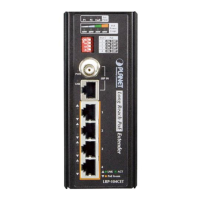
The LRP Extender provides an adjustable switch that can be used to control
the operation of the PoE output.
ON
ON
ON
ON
OFF
OFF
OFF
OFF
1
Port PoE
2
3
4
1 2 3 4
OFF
Port 1
ON (default) Port-1 PoE Enable
OFF Port-1 PoE Disable
Port 2
ON (default) Port-2 PoE Enable
OFF Port-2 PoE Disable
Port 3
ON (default) Port-3 PoE Enable
OFF Port-3 PoE Disable
Port 4
ON (default) Port-4 PoE Enable
OFF Port-4 PoE Disable
Note
For example, if administrator wants to stop remote Powered
device of port1, simply turn the switch OFF to stop the output
power.
Caution
When you turn off the PoE function of any ports, per port output
will not enhance the output capacity.


 To Next Page
 Loading...