SIP Analog Telephone Ada
39
pter
Chapter 6
NAT Trans
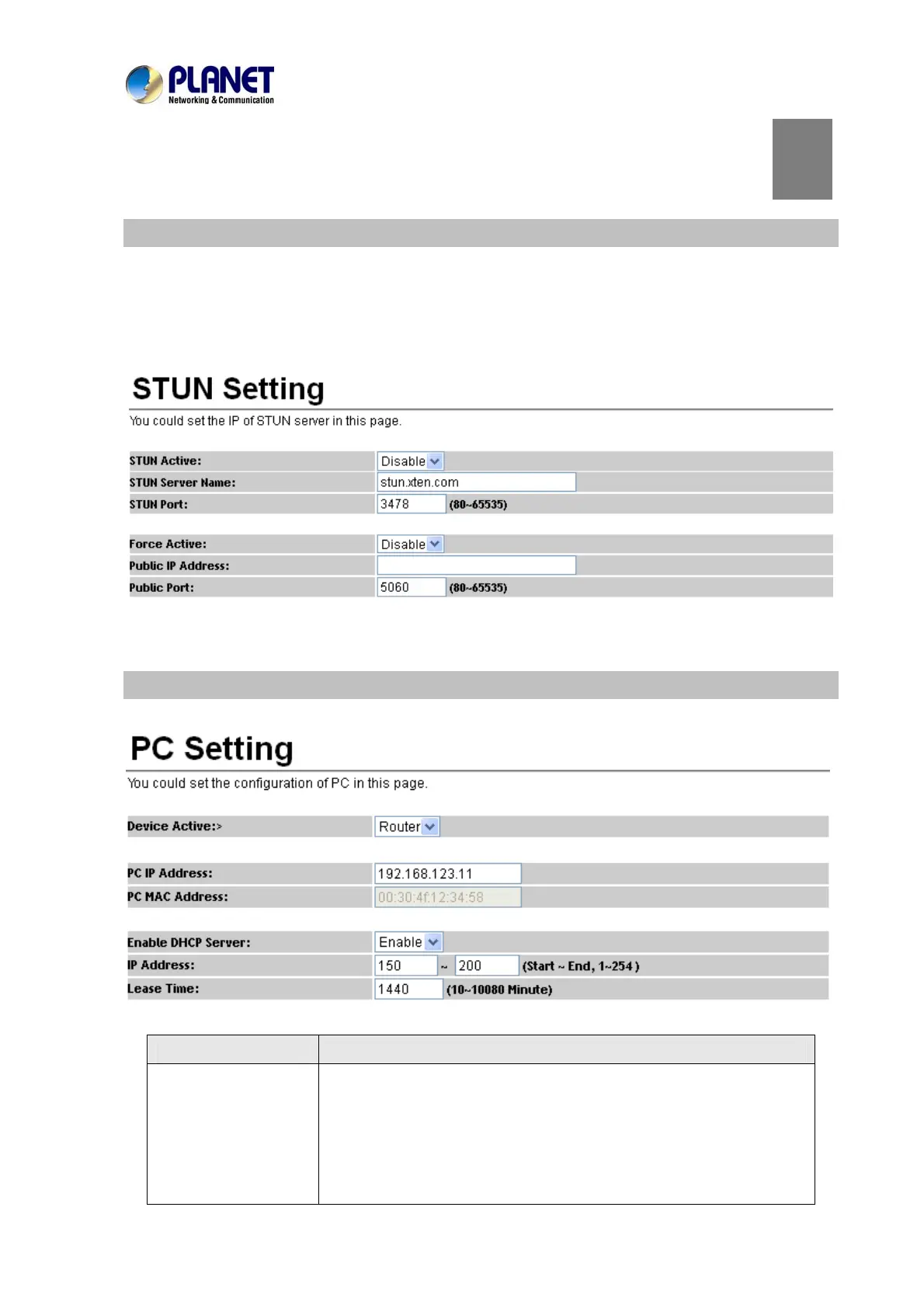
Stun Setting
This page defines the STUN Enable/Disable and STUN Server IP address in this page. This function
can help your Phone Adapter work properly behind NAT. To change these settings, please follow your
ISP information. When you finish the setting, please click the Submit button.
PC Setting
This page defines the PC setting on this page.
Field Description
Device Activity
The default is Bridge mode, and it also provides NAT mode.
Bridge: When set as mode, the LAN and PC ports are in the same
network segment.
NAT: The LAN and PC ports are in a different network segment, and
PC port could enable the DHCP Server function to allot the IP
6



 To Next Page