SIP Analog Telephone Adapter
58
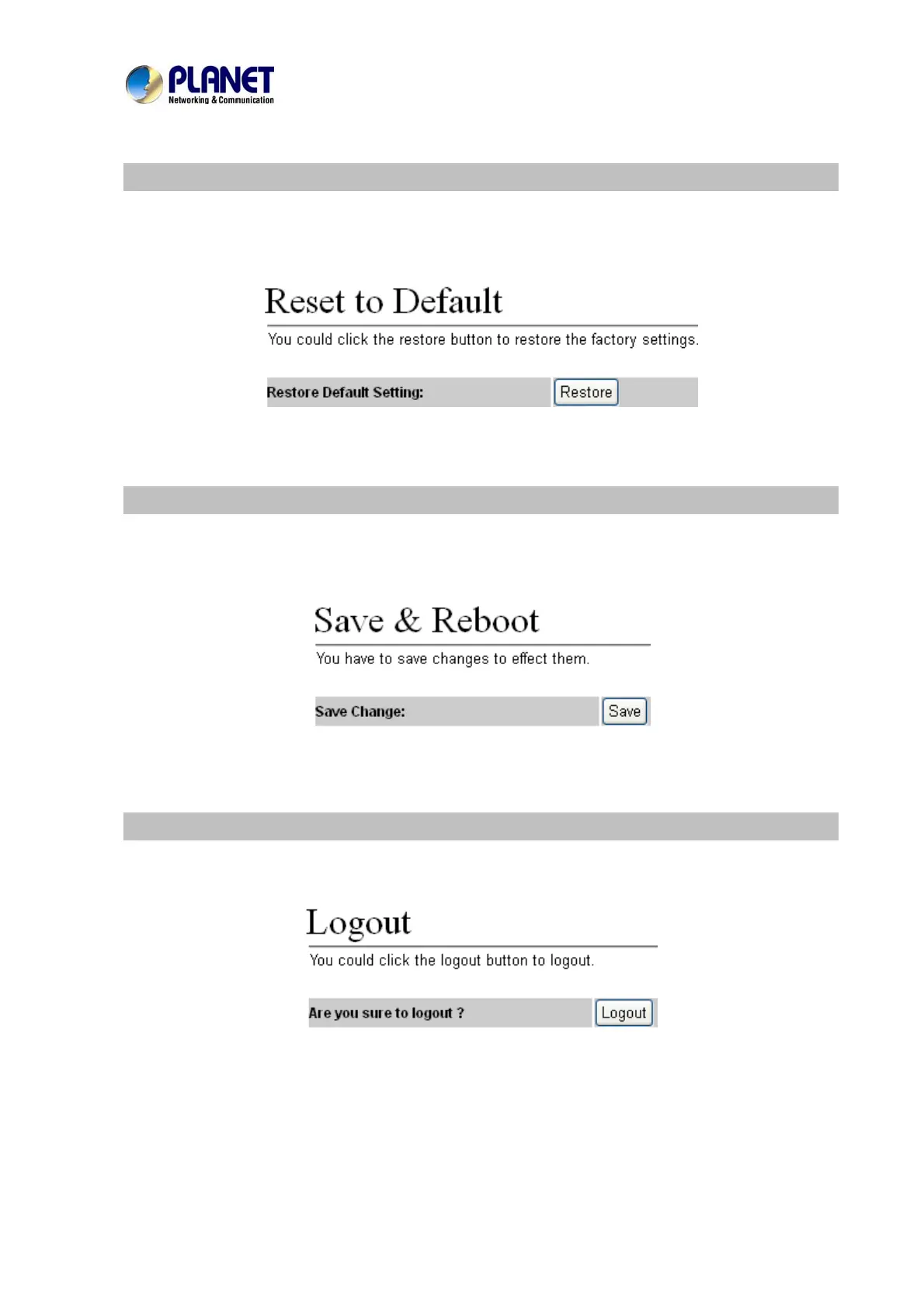
Reset to default
In Default Setting you can restore the Phone Adapter to factory default on this page. You can just click
the Restore button, then the Phone Adapter will restore to default and automatically restart again.
Save and Reboot
In Save & Reboot you can save the changes you have done. If you want to use new setting in the Phone
Adapter, you have to click the Save button. After you click the Save button, the Phone Adapter will
automatically restart and the new setting will effect.
Logout
Lougout the system, it will return to login page.



 To Next Page