SIP Analog Telephone Adapter
60
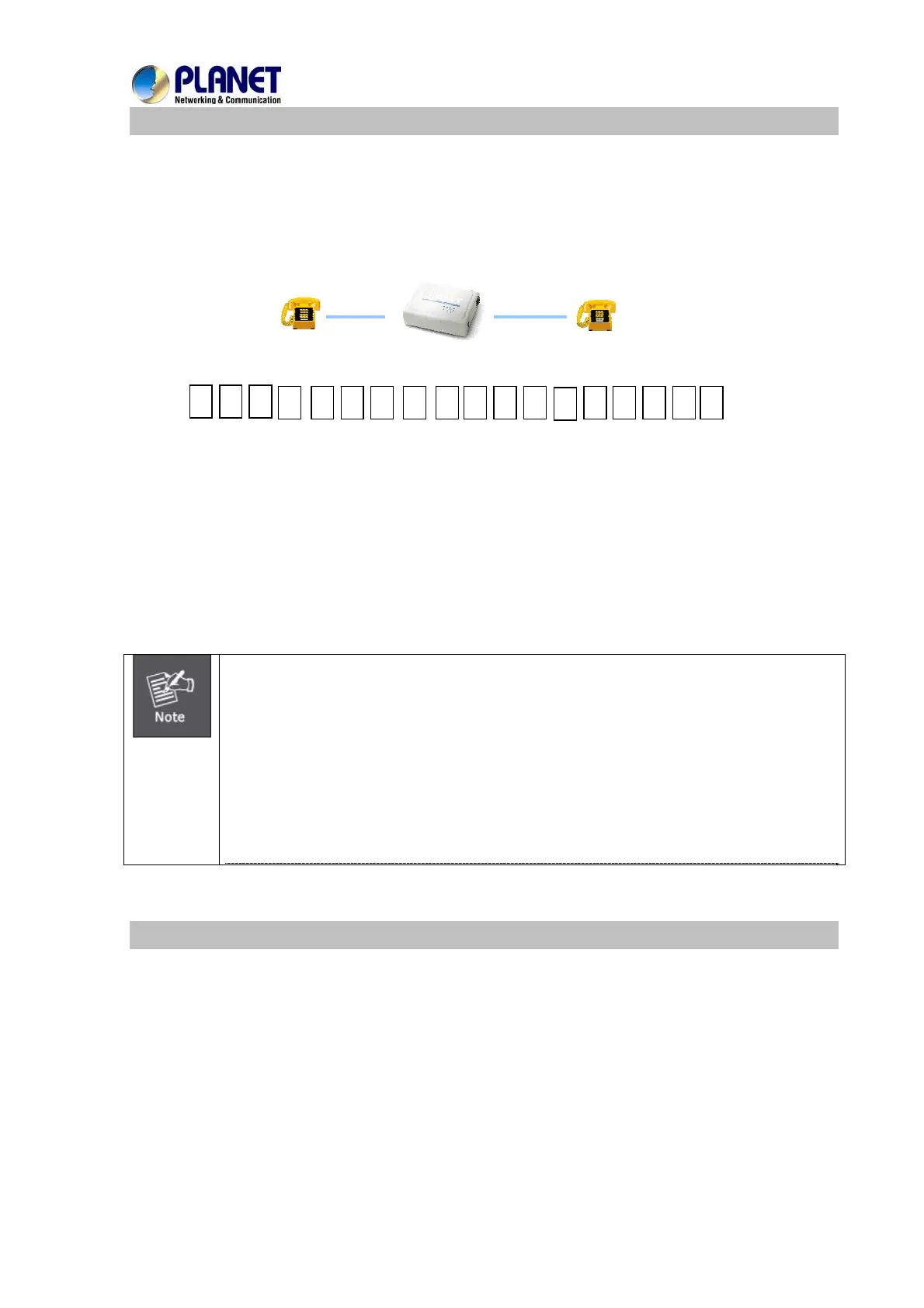
Case 2: (Peer-to-Peer mode) VIP-157S Port 1 to Port 2 communications
Supposing one VIP-157S connects to two telephones, just pick up phone 1 and dial
‘192*168*0*1**5062’, phone 2 will ring.
Analog telephone sets are connected to the phone (RJ-11) ports of VIP-157S respectively
192.168.0.1
1001
1002
9 2
5 0 6 2 #
1
* 1 6 8 * 0 * 1 *
*
Test the scenario:
1. Pick up the telephone set on VIP-157S port 1, and you should be able to hear the dial-tone
2. Press the keypad: 192*168*0*1**5062# and will be able to connect to the VIP-157S port 2
3. Then the telephone set in VIP-157S port 2 should ring. Please repeat the same dialing steps on
port 2 to establish the first voice communication from VIP-157S
y If the IP address of the remote calling party is known, you may
directly make calls via its IP address and end with a “#”.
y If the ATAs are installed behind a NAT/firewall/IP sharing device
for Peer-to-Peer VoIP application, please make sure the NAT device
support SIP applications, and suitable settings should be applied
to the NAT device to enable the SIP communications before making
calls
y [ VIP-157S] in PLANET ATA series products, to connect to remote
TA, press the keypad in the following sequence to connect to the
remote VIP-157S port 2:
[remote ATA IP address]**5062, for example: 192*168*0*2**5062
Case 3: Call Forward Feature_Example 1
In the following samples, we’ll introduce the Call Forward Feature applications.
For this example, there are three VIP-156 register to IPX-1980 and VIP-156_A has set Call Forward
function to VIP-156_B.



 To Next Page