SIP Analog Telephone Adapter
32
To enable this function, make sure that the PSTN line is
connected to the PSTN port already.
PSTN feature Code
Default is 0*, the code for manually
switching to PSTN line, and dial
out from PSTN, it can only accept the numeric and *or #, the digital
max length is 7.
Routing Type
Default is Disable, it defines the dialing route, according the [Routing
Rule] to define the dialing route which is [IP or FXO].
Routing Rule
Define the outgong rule. It can also Add/ Drop profix number, if you
want to increase more then one Routing rule, you can use “+” to
accept it by only pressing the numeric or D
D: drop
Example_5: Routing: Routing Type: FXO, Routing Rule: D007+009+0800
1. If the dialing number is “0800024365”, it will match the routing rule [0800], then system will
automatically dial out from the [FXO].
2. If the dialing number is “00986123456”, it will match the routing rule [009], then system will
automatically dial out from the [FXO].
3. If the dialing number is “00782280220”, it will match the routing rule [D007], then system will
decrease the [007] then dial out from the [FXO].The real dialing number is [82280220].
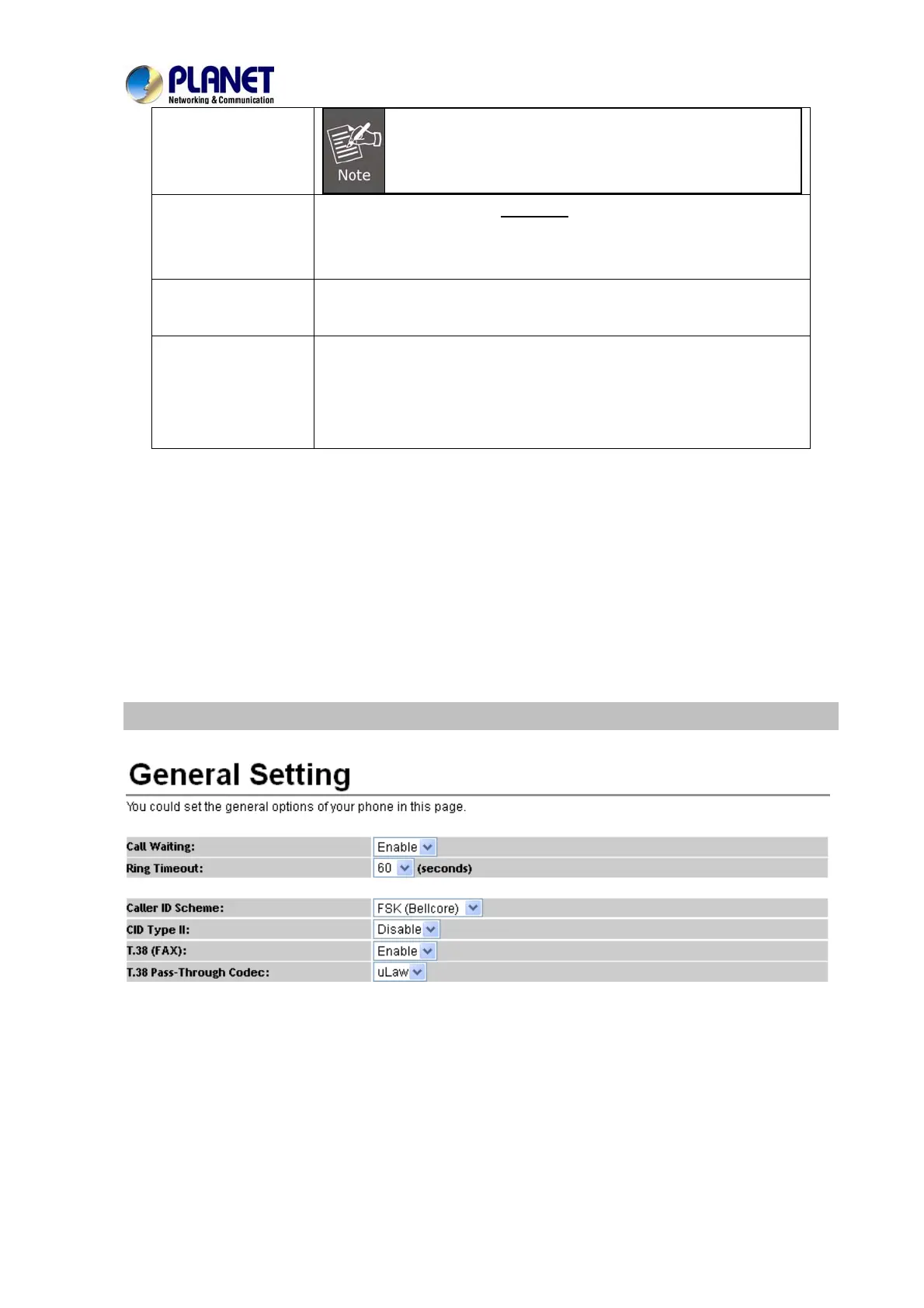
General
This page defines the volume, auto answer, Caller ID, and call waiting caller ID(CID type II),
VIP-156



 To Next Page