SIP Analog Telephone Adapter
56
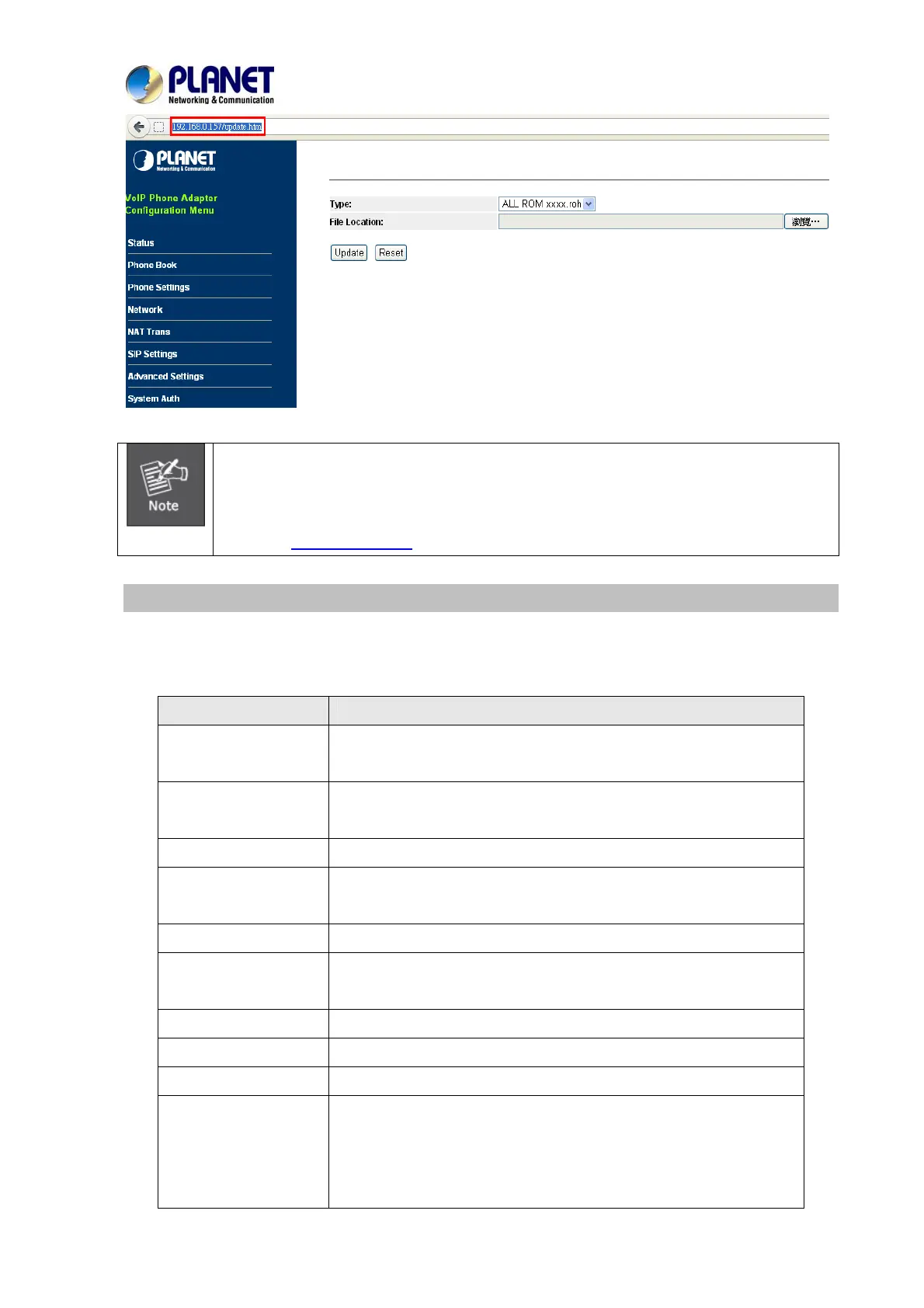
For technological consideration, we strongly suggest you refer to the following
upgrade methods for updating your device.
After firmware is loaded, the unit will reboot, and Default IP address of the customized
firmware: http://192.168.0.1
; login name/password: root/null (no password)
Auto Update Setting
The device can update new firmware with the gz or ds file format automatically by the Auto Upgrade
function.
Field Descriptions
Type
There are TFTP/ FTP and HTTP to provide the auto upgrade
function.
TFTP Server
Input the TFTP Server address, and it could input the IP or Domain
Name form.
TFTP File Path
Set up the file path.
HTTP Server
Input the HTTP Server address, and it could input the IP or Domain
Name form.
HTTP File Path
Set up the file path.
FTP Server
Input the FTP Server address, and it could input the IP or Domain
Name form.
FTP Username
The login username.
FTP Password
The login password
FTP File Path
Set up the file path.
Check new firmware
The device will do according to the ways below to check the new
firmware.
- Power On (+ Scheduling): The machine will check the new
firmware when power on and following scheduled date and



 To Next Page