User Manual of WDAP-C3000AX, WDAP-3000AX, WDAP-W3000AX
- 110 -
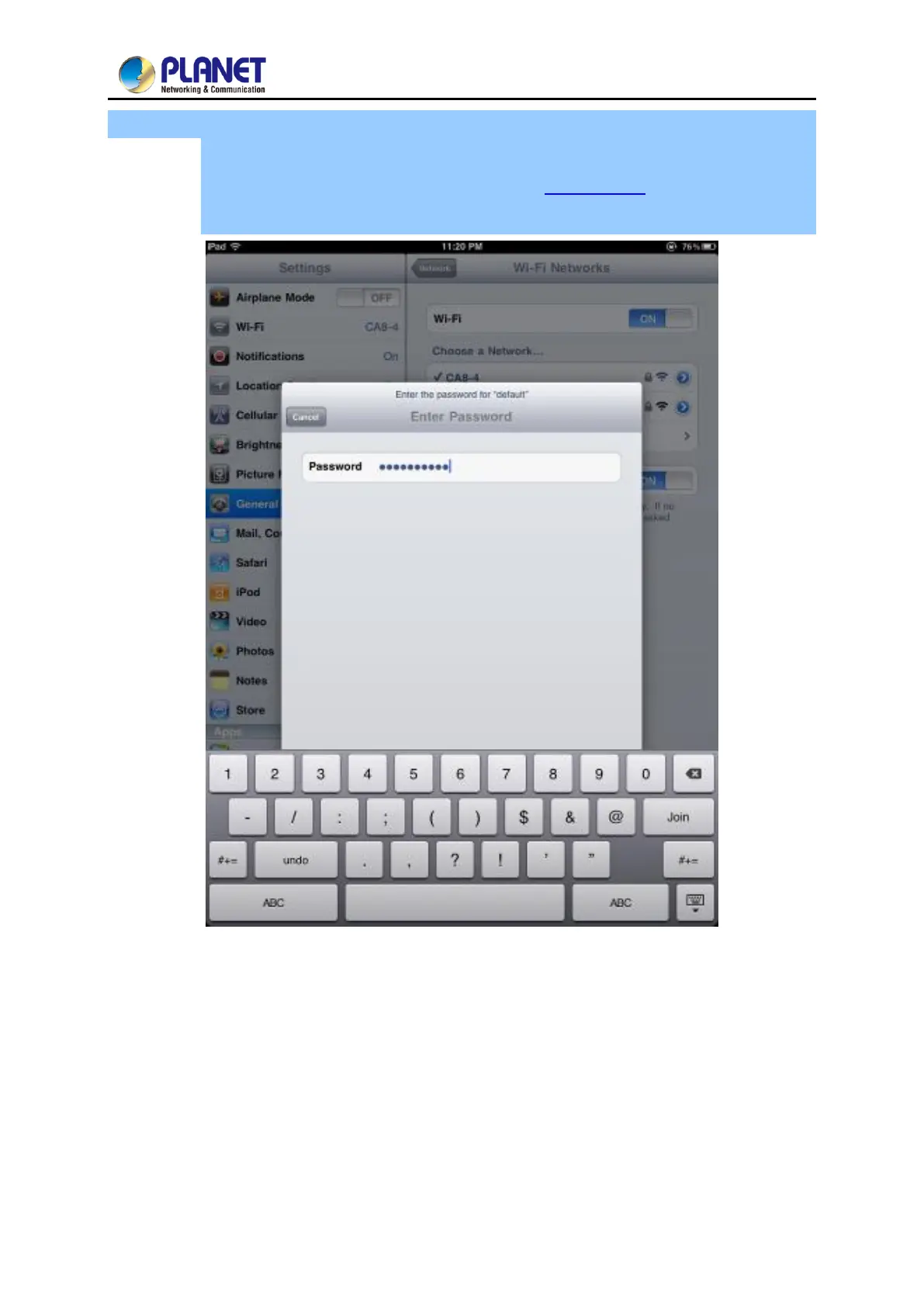
Step 4: Enter the encryption key of the Wireless AP
(1) The password input screen will be displayed.
(2) Enter the encryption key that is configured in section 5.7.2.1
(3) Tap the [Join] button.
Figure 5-20 iPhone -- Entering the Password


 To Next Page
 Loading...












