4
Operating Systems Configuration
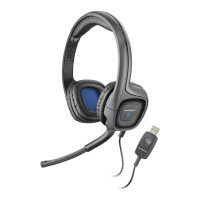
Your .Audio 655 headset works with any USB-
compliant computer. Below are details on
how to
set the audio device for the most popular
operating
systems.
NOTE On-ear controls may not function properly
with operating systems earlier than Windows XP.
Windows XP
®
1
Go to Start > Control Panel > Sounds and
Audio Devices.
2
On the Audio tab, select “Plantronics
Audio 655” as the Sound Playback and
Sound Recording device.
3
On the Voice tab, select the “Plantronics
Audio 655” as the Voice Playback and
Voice Recording device.
4
On the Volume tab, adjust the Volume
Slider as necessary. Do not select the
Mute option.
5
Select OK.





 To Next Page