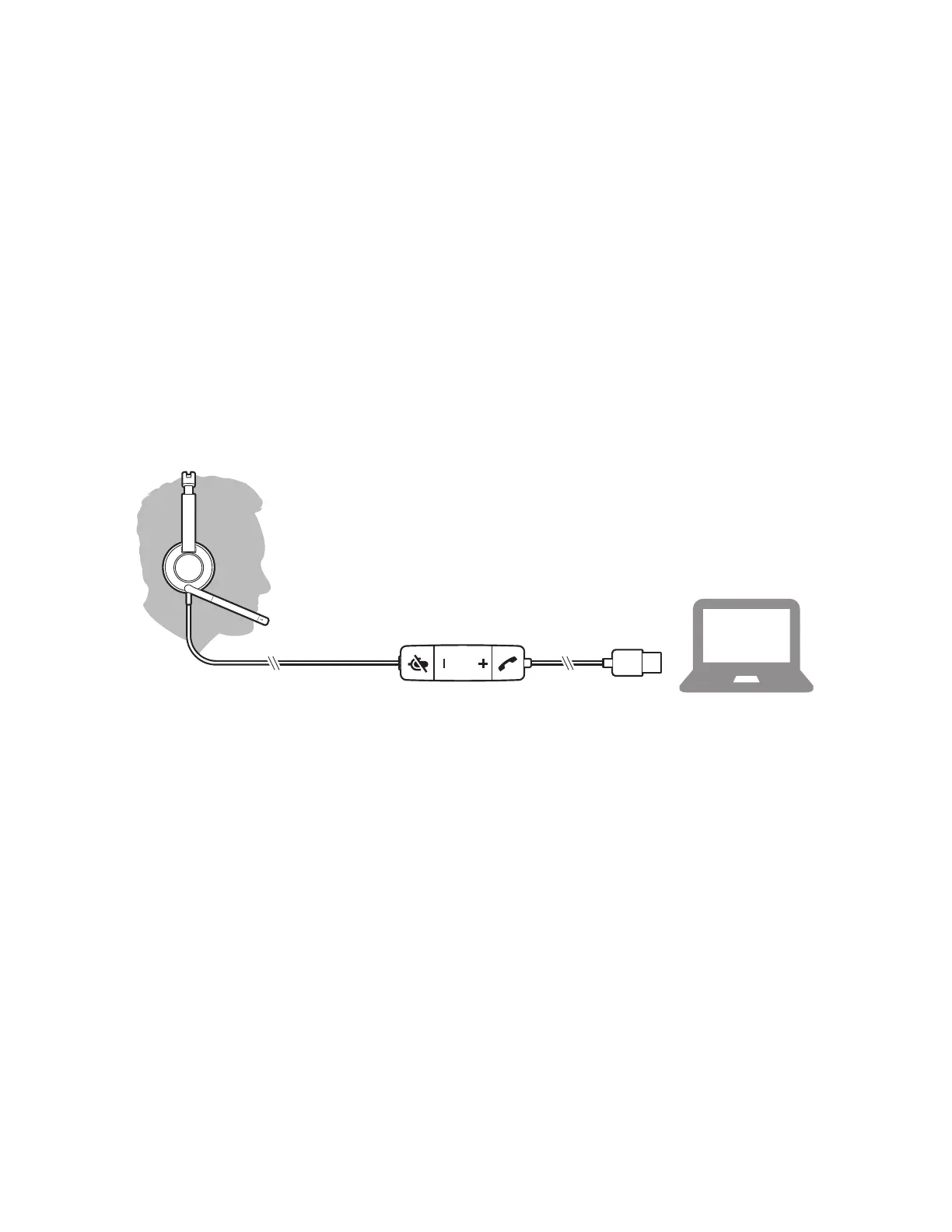
Guided Setup
The Blackwire 3200 headsets works with both a personal computer as
well as an IP desk phone.
PERSONAL COMPUTER
The Blackwire 3200 headsets work with the Unite Desktop application
allowing answer and hang-up without the use of keyboard or mouse
by utilizing the convenient in-line controls.
To get started:
1. Connect the headset’s USB cable to your computer
Unite Desktop should automatically detect the headset and make
appropriate audio adjustments.
INSTALL SOFTWARE
While basic functionality of the in-line control will work out of the
box, you will need to install the Plantronics Hub, for Windows/Mac,
to enable headset call control functionality.
Download Plantronics Hub for Windows/Mac by visiting
plantronics.com/software for:
• Call control for softphones
• Updating firmware
• Turning features on/off
• Viewing the user guide






 To Next Page