Troubleshooting
• Listening volume is too low. Press the volume up
button on the headset, and/or ensure that the
volume setting on your computer is set accurately.
• The analog headset is not set as the default audio
device. Use the audio settings in your sound control
panel/preferences to select your headset as the
default audio device.
Callers cannot hear
me.
• Headset is muted. Slide the mute button up to
unmute the microphone.
• Headset microphone boom aligned incorrectly.
Align the headset boom with your mouth.
• The analog headset is not set as the default Voice
device. Use the audio settings in your sound control
panel/preferences to change the input device.
The sound in the
headset is distorted.
I can hear an echo in
the headset.
• Lower the listen volume on your softphone until the
distortion disappears.
• Adjust volume on headset.
The other headset I
was using to listen to
music does not work
any more.
• The analog headset will set itself as the default
audio device in Windows. Use the audio settings in
your sound control panel/preferences to change
the audio device.
My phone is not
finding my headset
during a call or while
listening to music.
• When on a call or listening to music, make sure that
audio is routing to the desired headset by going to
your settings and ensuring it is defaulted.
I cannot hear
anything on a call.
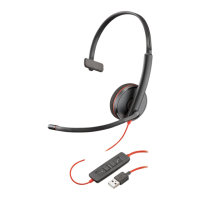
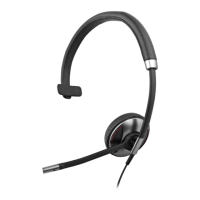
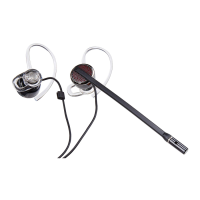
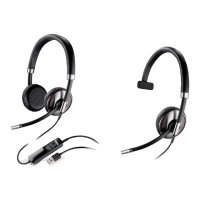
Headset
Full user guides and additional information can be found at the manufacturer’s
website located at:
• https://www.plantronics.com/us/en/support/product/blackwire-3200
Need More Help?



 To Next Page