Making and Receiving Calls with Microsoft® Lync®
To MAKE a call:
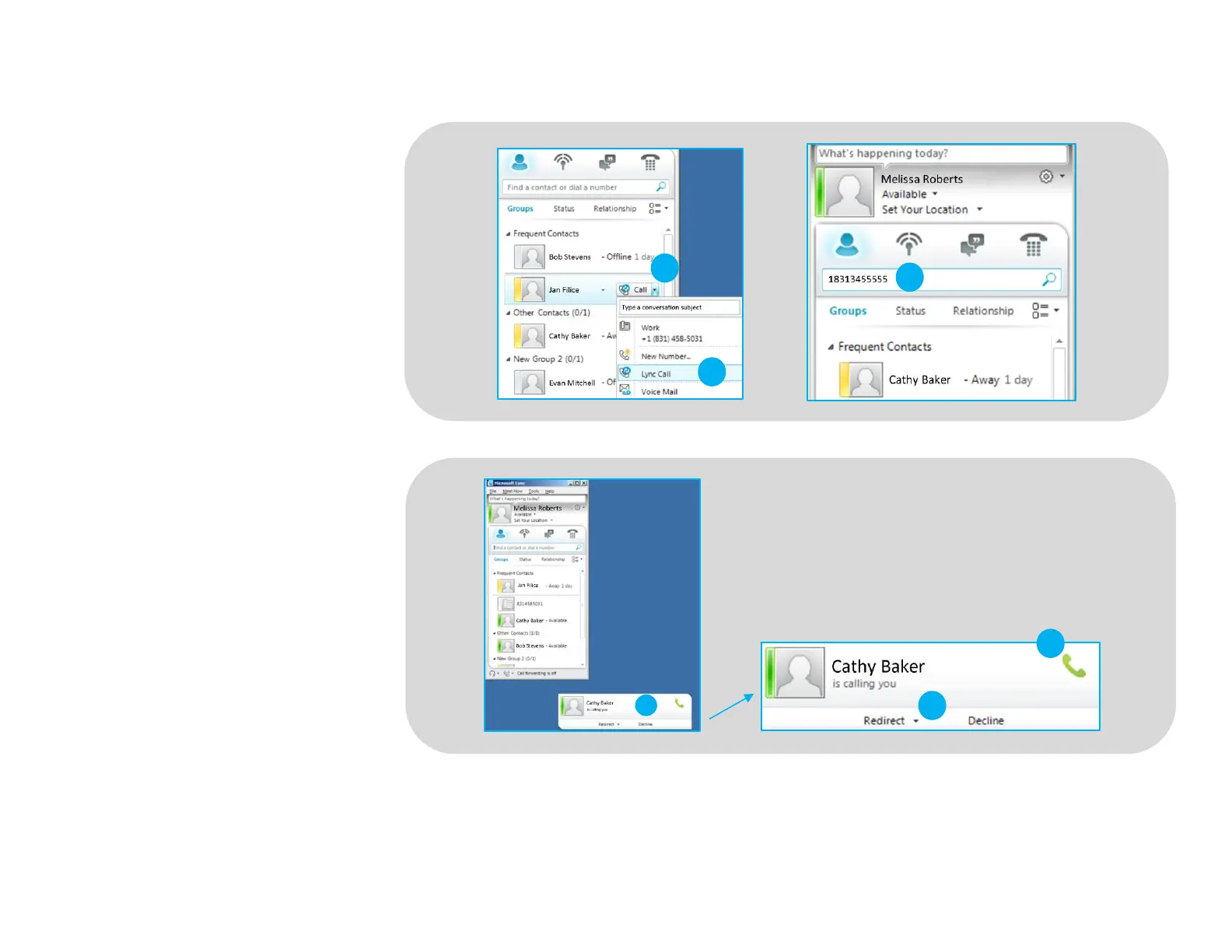
To call an existing contact, click on the
drop down next to their name (1) and
select the number you would like to
call (2).
You can also enter a phone number
manually using the search box located
at the top of the main Microsoft Lync
screen (3).
When a call is placed, a call window
will open and the audio will be routed
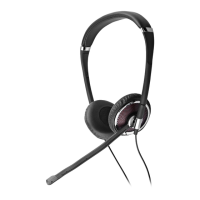
to your headset.
To RECEIVE a call:
When you receive a call, a notification
window will appear in the lower right
corner of your computer screen (4).
To answer the call, simply put the
headset on. If you are already wearing
the headset, use the controls on your
headset or click on the call notification
window (5).
©2013 Plantronics, Inc. All rights reserved. Plantronics, Smart Sensor, Blackwire, C510-M and C520-M are trademarks or registered trademarks of Plantronics, Inc. Microsoft and Lync are trademarks or registered trademarks of Microsoft Corporation in the US and
other countries. Published 03.13
To REDIRECT a call:
You can also redirect a call by clicking
Redirect (6) and choosing one of the
options given.






 To Previous Page