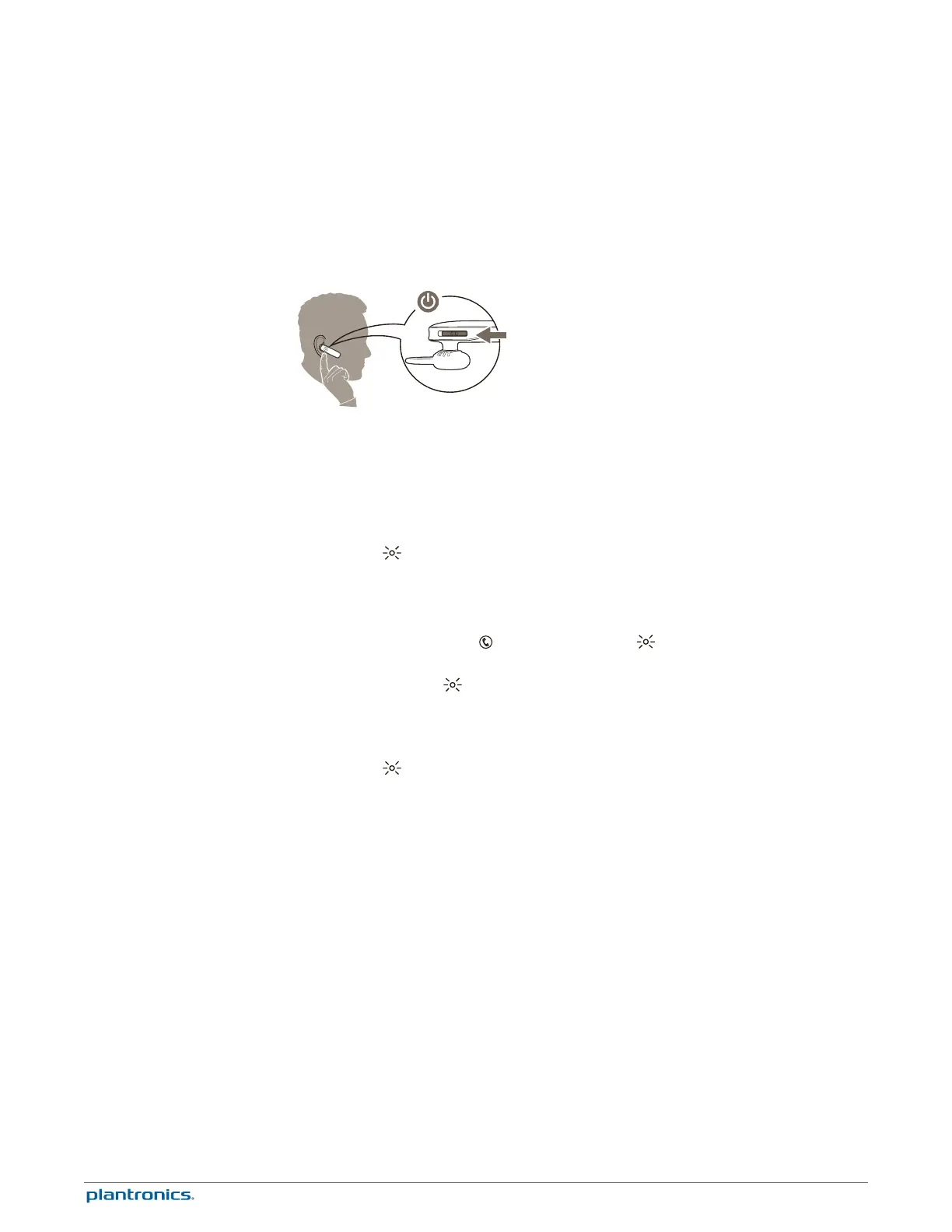
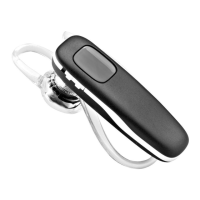
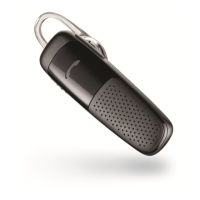
The first time you power on your headset, it begins the pairing process.
1
Put the headset on and turn it on.
•
iPhone and Android
™
Smartphones Follow the voice-guided pairing instructions.
•
Other phones Use your phone's menu to:
2
While the headset LEDs are flashing red and white, activate Bluetooth
®
on your phone and set it
to search for new devices.
3
Select “PLT_M165.”
4
If your phone asks, enter four zeros (0000) for the passcode or accept the connection. The
indicator light stops flashing red and white once successfully paired.
Multipoint technology lets you pair a second phone and answer calls from either phone.
1
Power on your headset.
2
Press and hold the Call button until the indicator light flashes red and white or you hear
“pairing.”
3
While the indicator light flashes red and white, activate Bluetooth on your phone and set it
to search for new devices.
4
Select “PLT_M165.”
5
If your phone asks, enter four zeros (0000) for the passcode or accept the connection. The
indicator light stops flashing red and white once successfully paired.
Pairing
Pair First Time
Pair Another Phone
5




 To Next Page