2
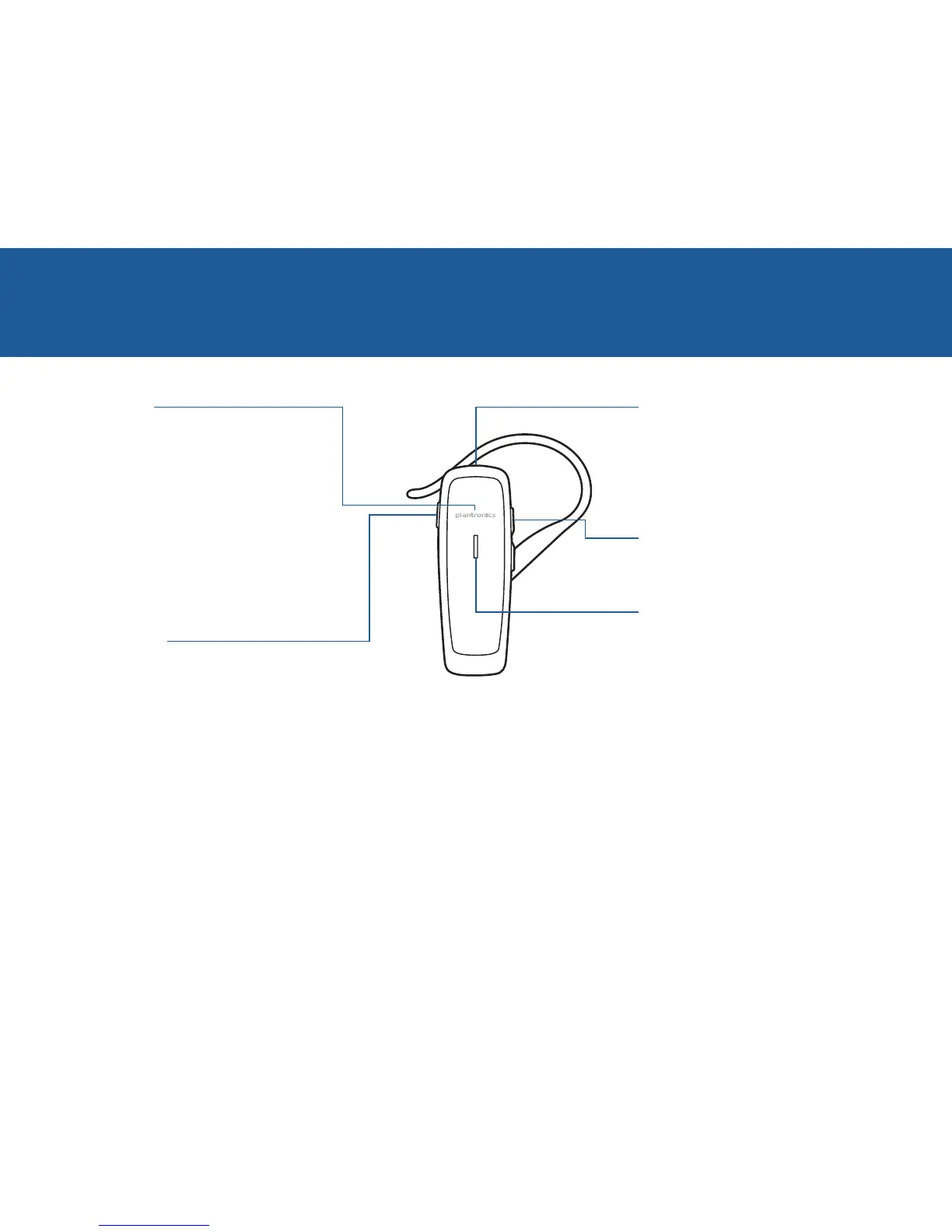
TAKE A GOOD LOOK
CALL BUTTON
• Takeacallorendit(1 tap)
• Redial(2 taps)
• Initiatephone’svoice-dialing
(2 second press until tone is heard)
• ReconnectlostBluetoothconnection
(1 tap if the headset doesn’t
automatically reconnect)
• Activatepairingmodeafterinitialset
up (press until LED flashes red/blue)
POWER SWITCH
• On(slide to reveal black)
• Off(slide to reveal red)
MICRO USB CHARGING PORT
• Charge
1 hour before first use
2 hours (for full charge)
• Donotuseheadsetwhilecharging
VOLUME BUTTON
• Volumepresets(1 tap per level change)
LED
• Charging(solid red)
• Lowbattery(3 red flashes at
powering on)
• Pairingmode(repeating red/blue
flashes)
Besafe!Pleasereadthesafety
guideforimportantsafety,charging,
batteryandregulatoryinformation
beforeusingyournewheadset.
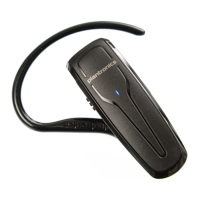
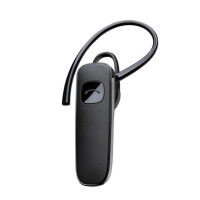
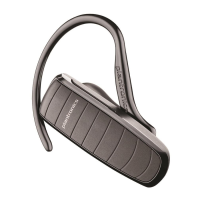
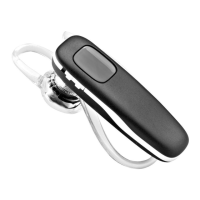
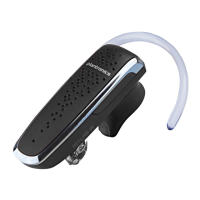
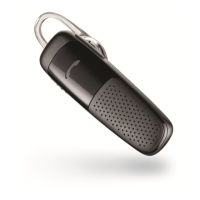
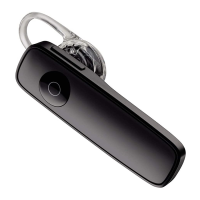
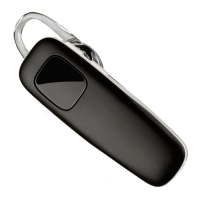
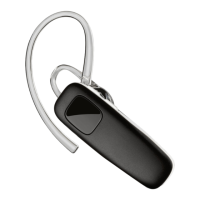
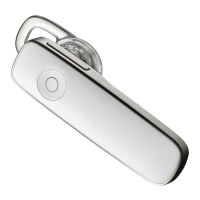
Yourheadsetmaylookslightly
differentthantheillustration,
butwillstillworkasdescribed.




 To Next Page