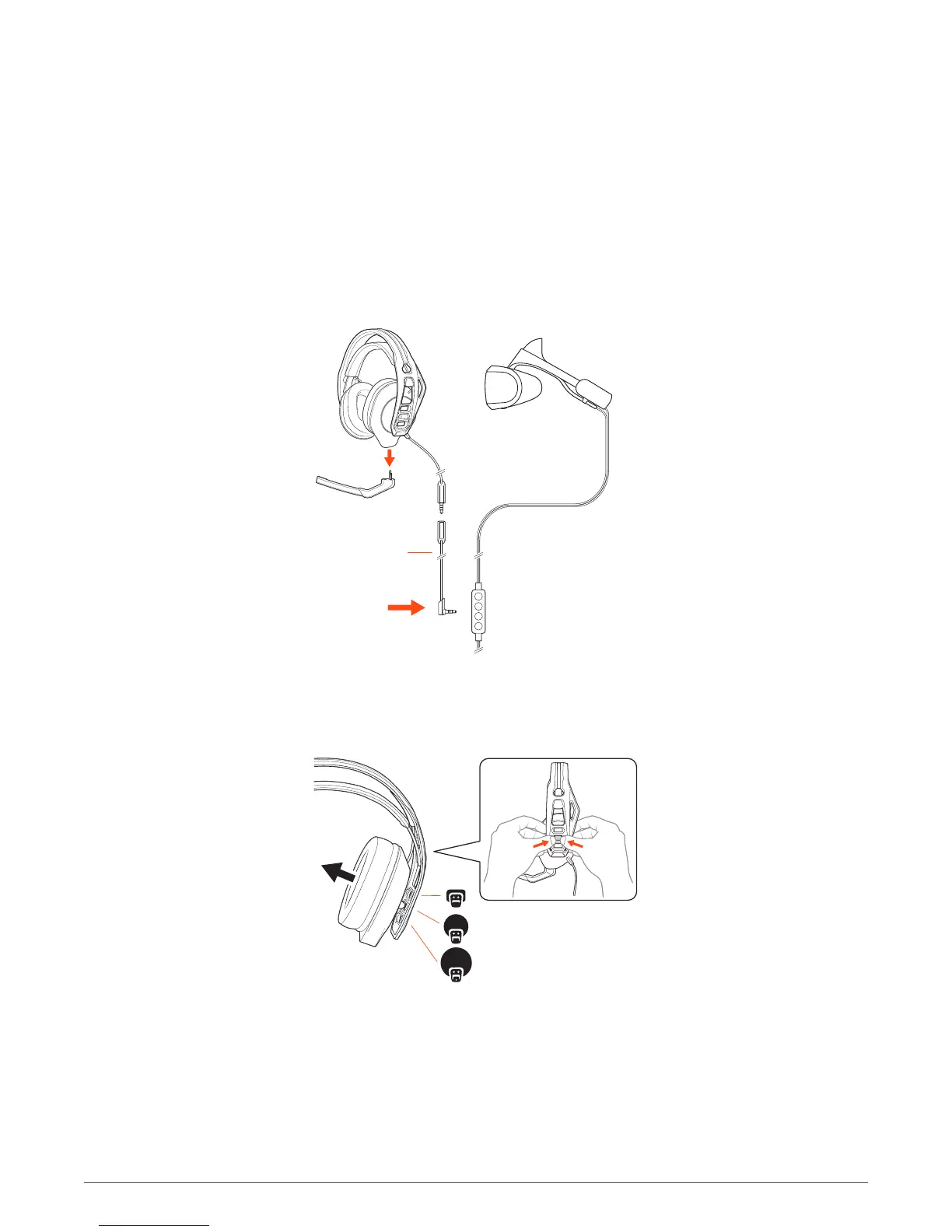
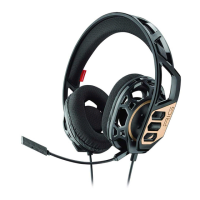
Your headset components easily snap into the headset frame to configure the best fit and sound.
1 Follow the diagram to put your headset together.
NOTE Remove the boom when using the headset with PlayStation VR.
2 The headband adjusts to three sizes (small, medium, large) by moving the earcups. To remove an
earcup, press the earcup to detach it from the headband.
Attach the headset jack to the 0.4 m cord and plug the 3.5 mm connector into PlayStation VR's
inline controller.
Setup and basics
Assemble headset
Connect to PlayStation VR
4



 To Next Page