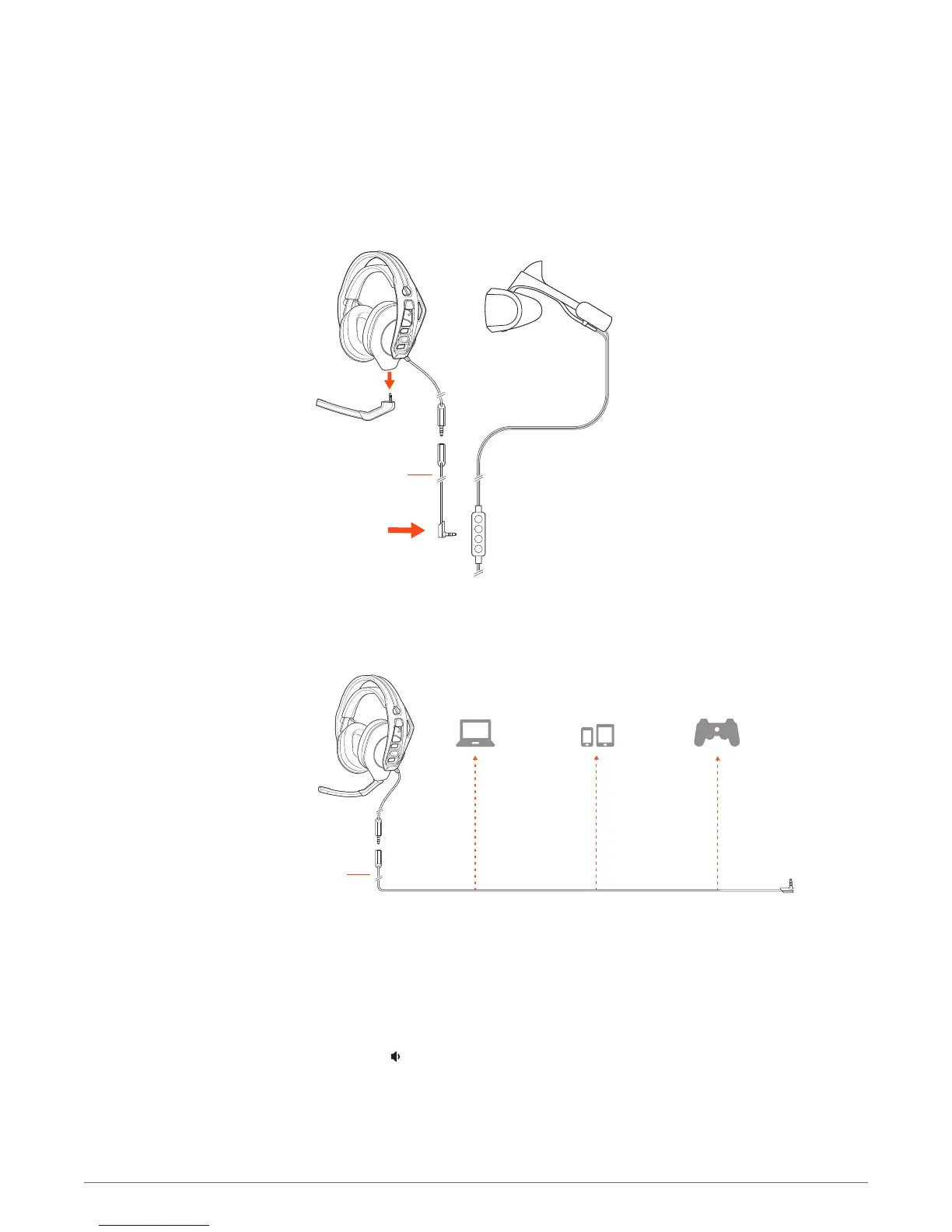
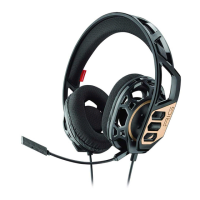
Attach the headset jack to the 1.2 m cord and plug the cord's 3.5 mm connector into the device.
NOTE Laptop, tablet and mobile device compatibility and use with these devices is not tested nor
endorsed by Sony Interactive Entertainment Europe.
1 To setup your headset for PS4, first go to Settings > Sound and Screen > Audio Output Settings >
Output to Headphones > Select All Audio
2
Then go to Settings > Devices > Audio Devices > Headsets and Headphones > Volume Control
(Headphones) >
Lift the boom to a full stop to mute the microphone.
Connect to devices
Setup PS4
Mute
5



 To Next Page