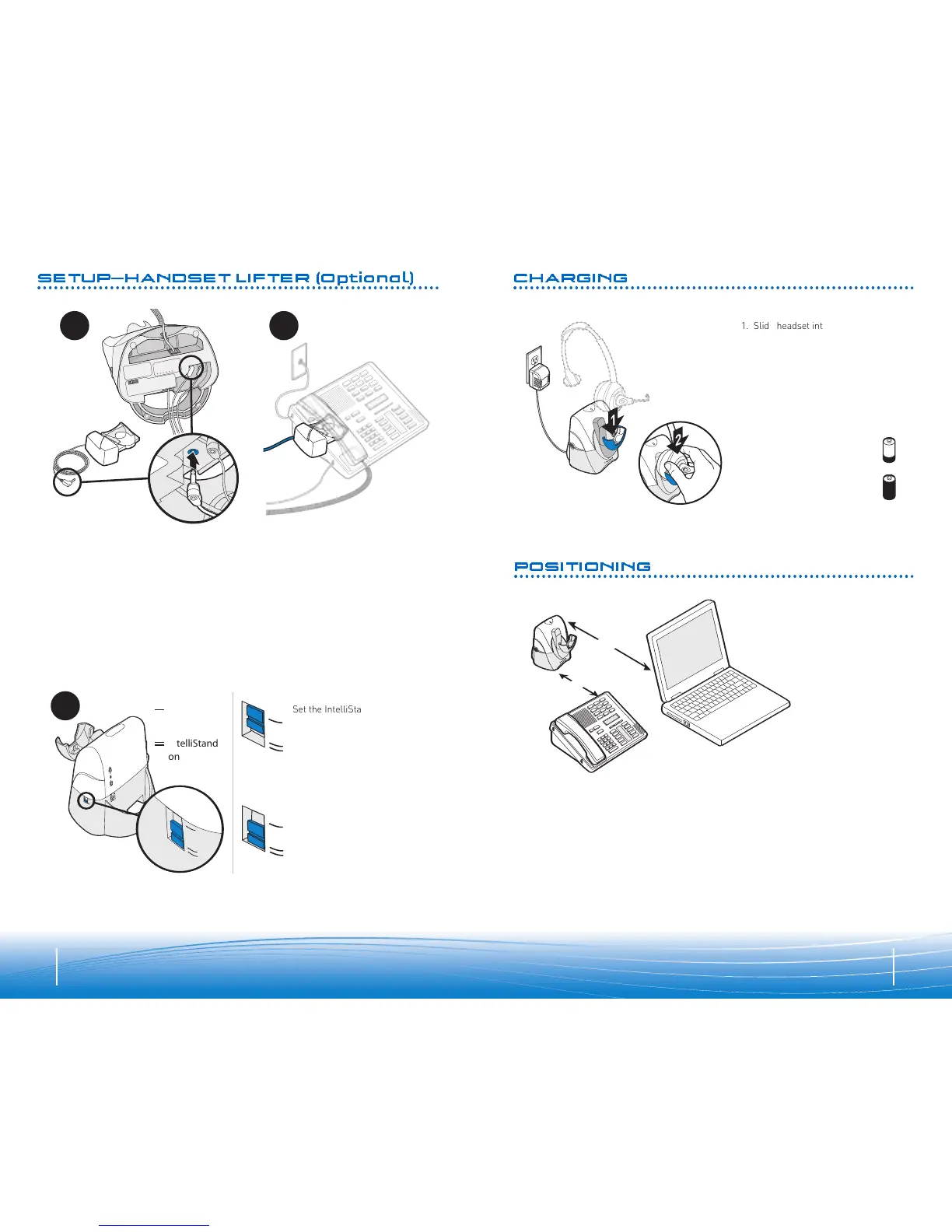
The minimum recommended separation distance is shown above.
Important: Incorrect positioning can cause noise and interference problems.
CHARGING
POSITIONING
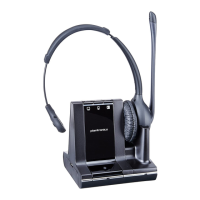
1. Slide headset into charging cradle;
t
he earpiece with the microphone
goes into the cradle.
2
. Gently press down on the headset
to ensure that headset is in correct
position. Amber charge indicator
light on base will flash while
charging and will change to solid
amber when fully charged.
• 20 minutes = minimum
chargeto continue setup
• 3 hours = full charge
SETUP—HANDSET LIFTER (Optional)
3
IntelliStand
™
off
IntelliStand
on
Set the IntelliStand switch to
IntelliStand off (
—) if you
want to control the handset
lifter with the call control
button on your headset.
Set the IntelliStand switch to
IntelliStand on (
=
) if you want
the handset to automatically
pick up when you take the
headset off the charging cradle.
1. Plug handset lifter power cord into handset lifter jack on base. Push firmly into
base.
2. Position handset lifter under the handset on your phone. Verify that the lifter is
located on top of the telephone speaker. If not, you will need to attach the ringer
microphone as described on page 22.
NOTE: Remove only a tiny piece of mounting tape backing to temporarily stick lifter into
position; you may need to move it later.




 To Next Page