GETTING STARTED
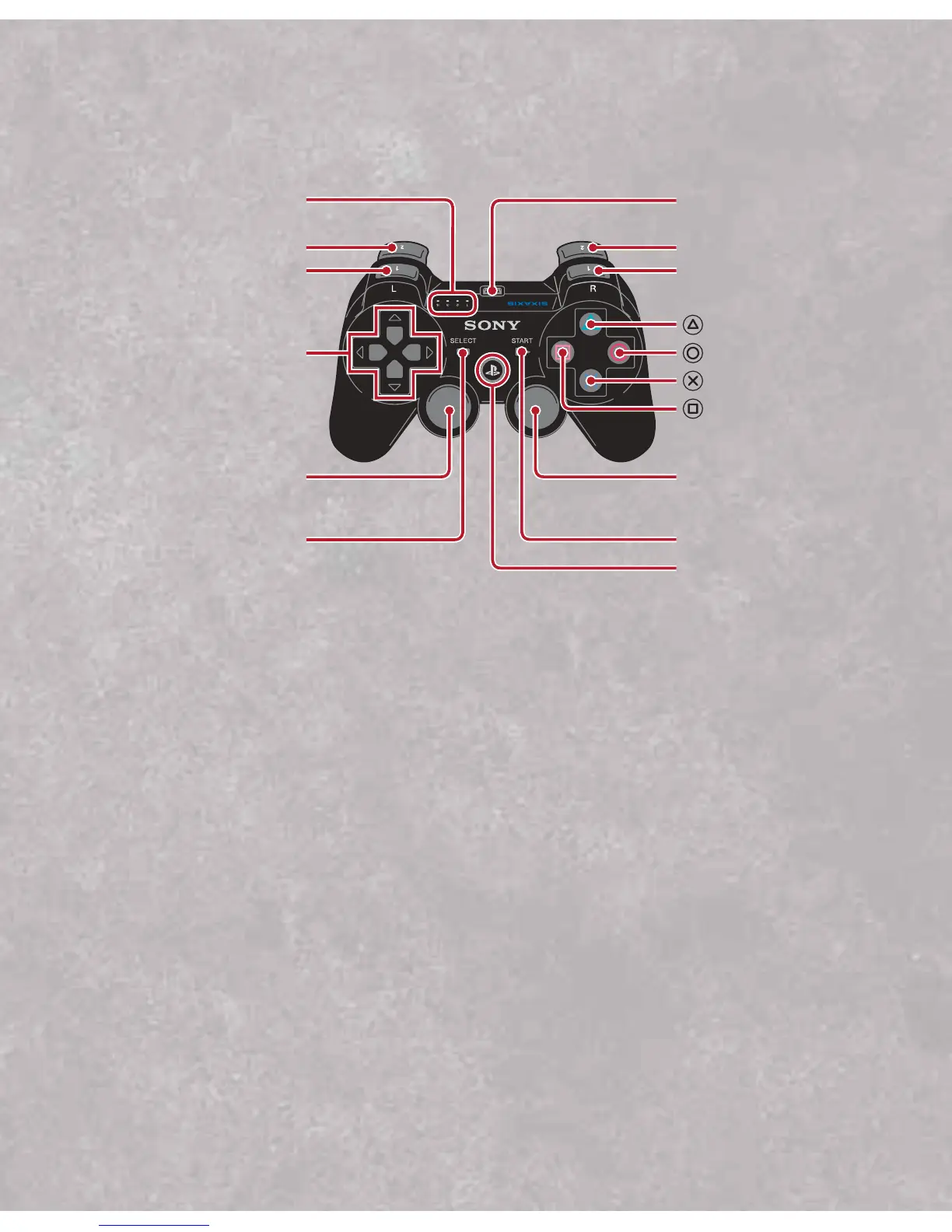
Using the SIXAXIS™ wireless controller (for PLAYSTATION
®
3)
*The L3 and R3 buttons function when the sticks are pressed.
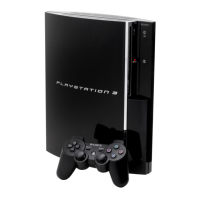
Note:To use the controller, you must first register or “pair” the controller with the
PLAYSTATION 3 system and assign a number to the controller. For details, refer to the
instructions supplied with the system.
Saved data for PLAYSTATION®3 format software
Saved data for PLAYSTATION 3 format software is saved on the system’s hard disk.
The data is displayed under “Saved Game Utility” in the Game menu.
3


 To Next Page