16
CONNECTING THE MAINS SUPPLY
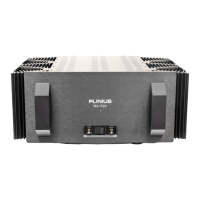
Now that your Plinius SA-100 Power Amplifier is configured to your system correctly, the mains cable can
be plugged into the IEC connector on the back of the amplifier. Once the power is connected, ensure the
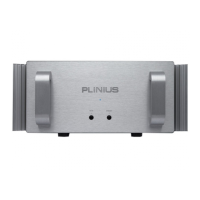
mute switch is in the upward position (muted) then flick the main power switch on the front panel to the
right. The power LED will light and the soft start circuit relays will be heard clicking in. Put the mute
switch in the operate position to enjoy your new Plinius SA-100 Power Amplifier.


 To Next Page