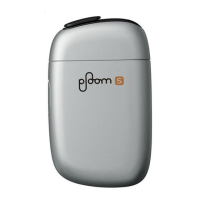
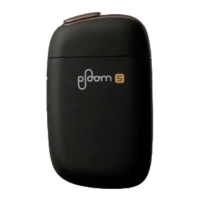
21
PS1_0001 [EN]
Inserting a Stick
Only use never-before-used tobacco
sticks.
The device will turn on.
The Mode Indicator
LED will light up in
blue.
1 Open the Sliding Cover.
• If the Mode Indicator LED does not light
up when you open the Sliding Cover, the
remaining battery level is extremely low.
Please charge the battery (Page18).


 To Next Page