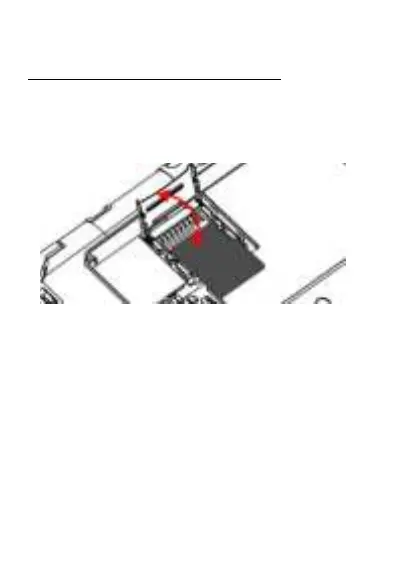
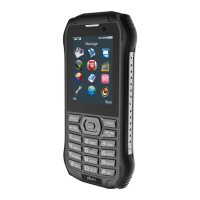
To insert the memory card (Micro SD),
1. Slide the Metal to the left to unlock the tray.
2. Lift up the cover and insert the memory card.
3. Put down the metal cover then slide it right
to lock the Card tray
Charging the Battery
You can charge the device with a travel adapter or
by connecting the device to a PC with a USB cable.
Charge for 12 hours before the first using is
recommended.
Warning:Please use original charger and battery.
Unapproved accessories and Battery can cause
explode or damage your device.



 To Next Page