Contents [ hide
1 Connect and Install Driver
2 Scan Document & Plastic
Cards
3 PDF Utility
4 BCR Utility
5 File Utility
6 OCR Utility
7 Troubleshooting
8 Technical Support
9 File Downloads
10 References
11 Related Manuals
Connect and Install Driver
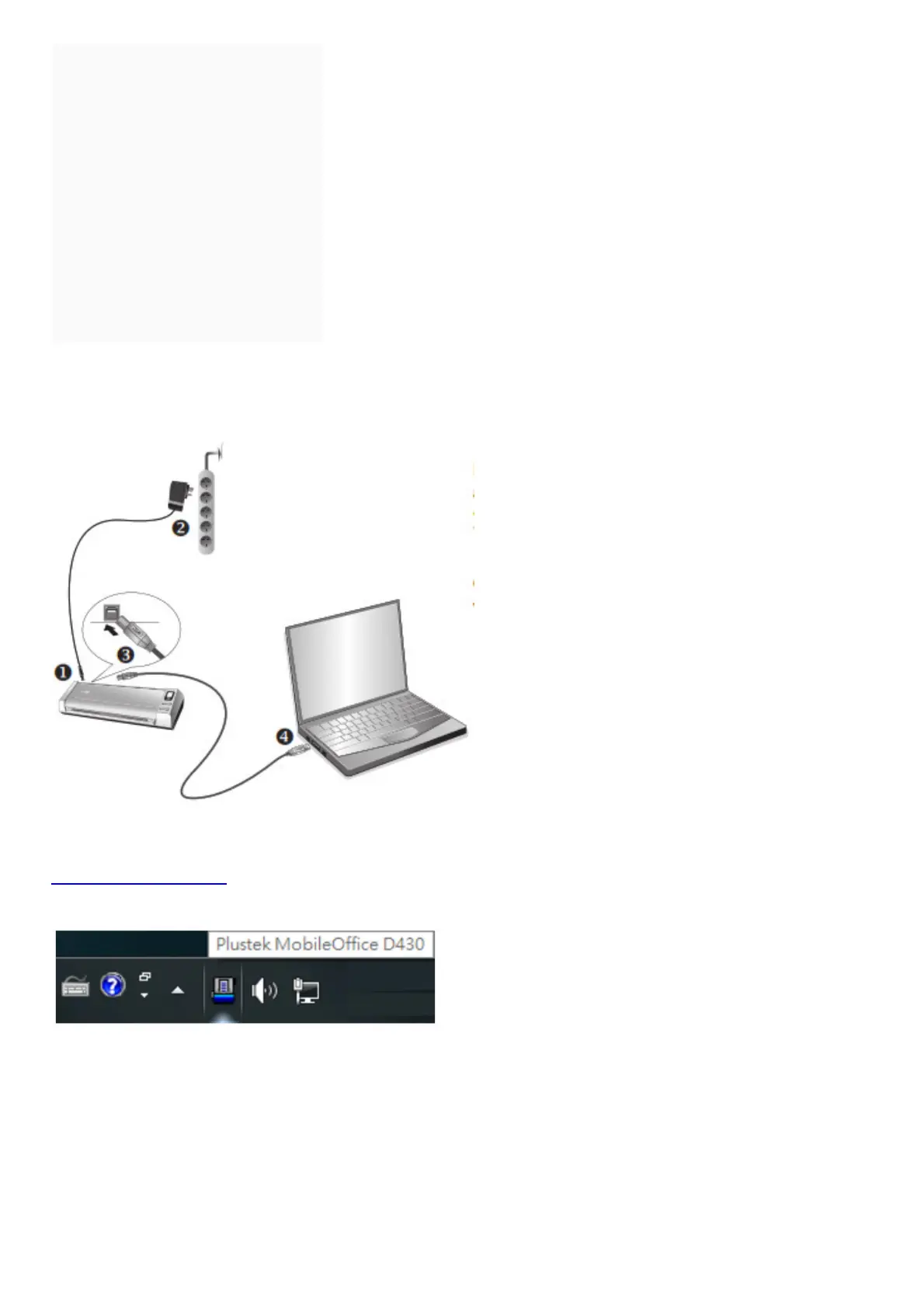
Insert the product CD or visit the Plustek website to download and install the scanner driver.
www.plustek.com/d430
Check the system tray to see if the installation is successful when the scanner is connected.
Scan Document & Plastic Cards



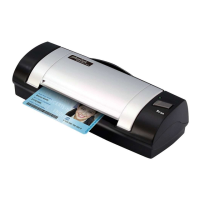







 To Next Page