❖ 4.Mute
❖ 5.Setting
❖ 6.Up
❖ 7.Down
❖ Please do not change the settings during normal using.
❖ Long press the power key will switch off the refrigerator. Long press the power button again, the
refrigerator will work again.
❖ Long press the keypad lock key (combination of keys) can lock the keypad. The keyboard lock LED are
lit, all the keys are locked. Then long press the keypad lock again can be unlocked.
❖ Press “Mute” to stop buzzing if necessary, but the alarm indicator and code still display until the alarm
disappear.
❖ For special using, please contact our authorized service engineer before adjust the settings. Wrong
operation may cause abnormal working of the device, such as bad temperature uniformity and abnormal
high/low temp alarm.
❖ Notes: the general high and low temperature alarm values are within the set temperature range of
2~10 ℃.
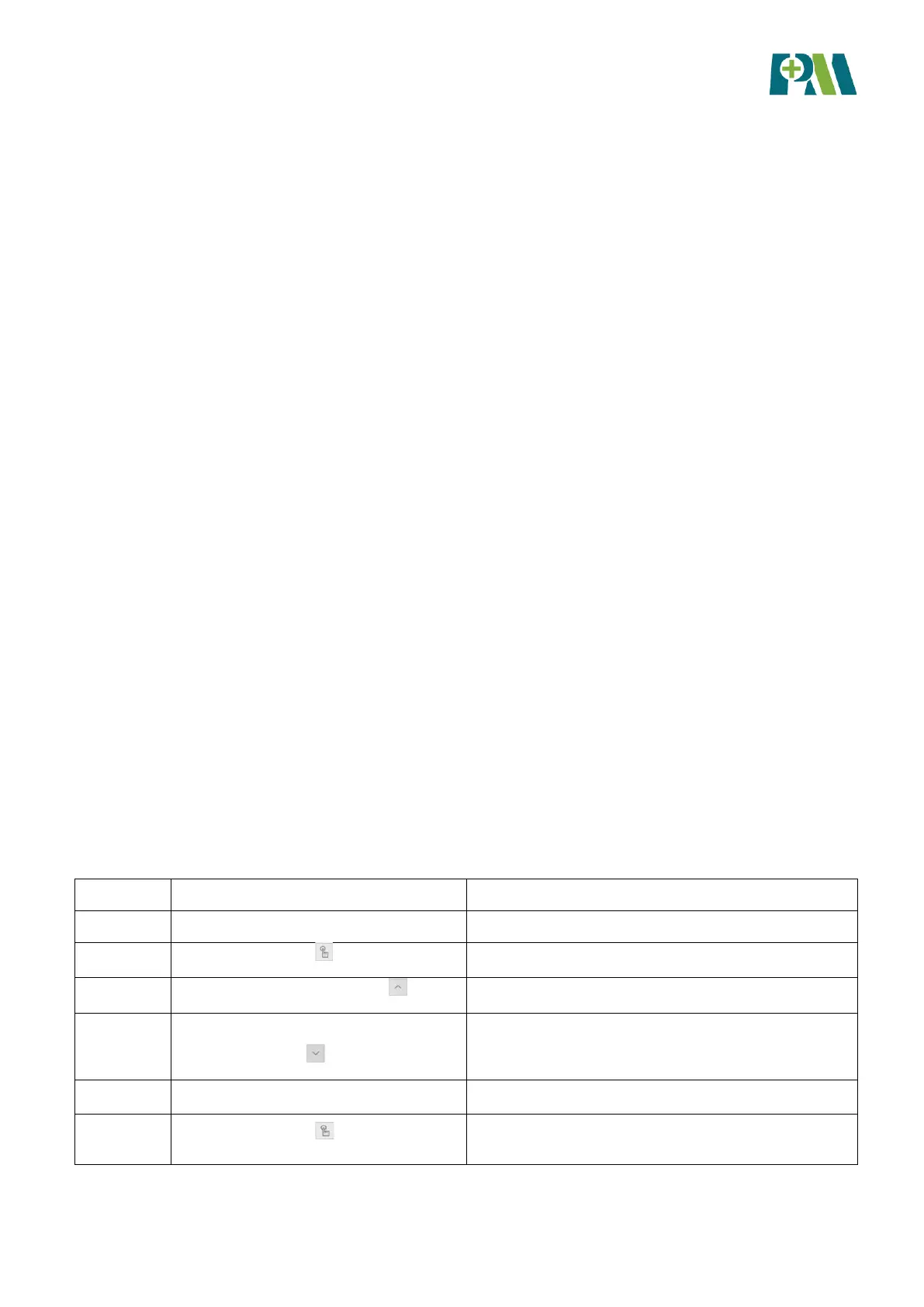
3.2.2 Parameter settings
When power on the medical refrigerator, the display screen displays internal temperature value. To change
setting temperature, for example, the original set temperature is 2℃ which now has to be adjusted to 5℃,
please operate according to the following steps:



 To Next Page