8 - User manual
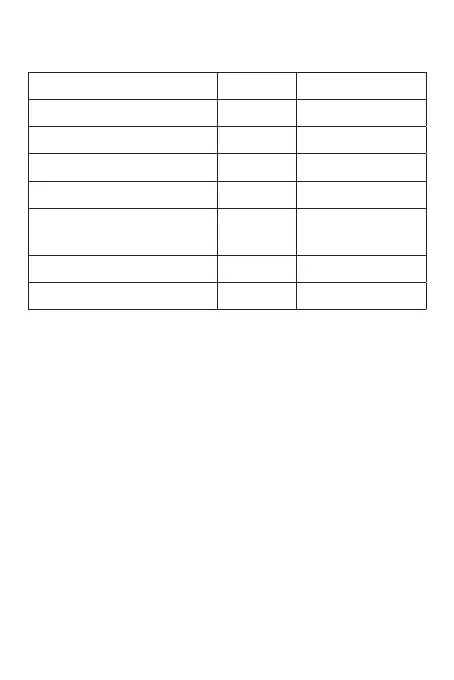
Audible and luminous warnings
Status LED Sound
Standby Red
Keyboard Beep
Successful operation Green Beep ...
Operation error Beep-Beep-Beep
Enter programming mode
Red
blinks
Beep
Exit programming mode Red Beep
Open the door Green Beep ...
Advanced settings
To enter programming mode, briefly press the * key. The red
LED starts flashing.
To exit programming mode, briefly press the * key. The red LED
stays on.
1. Add user
Change Master code
* Master code # 0
New code # New code #
Note: The Master code must contain 6 digits. The default


 To Next Page