16
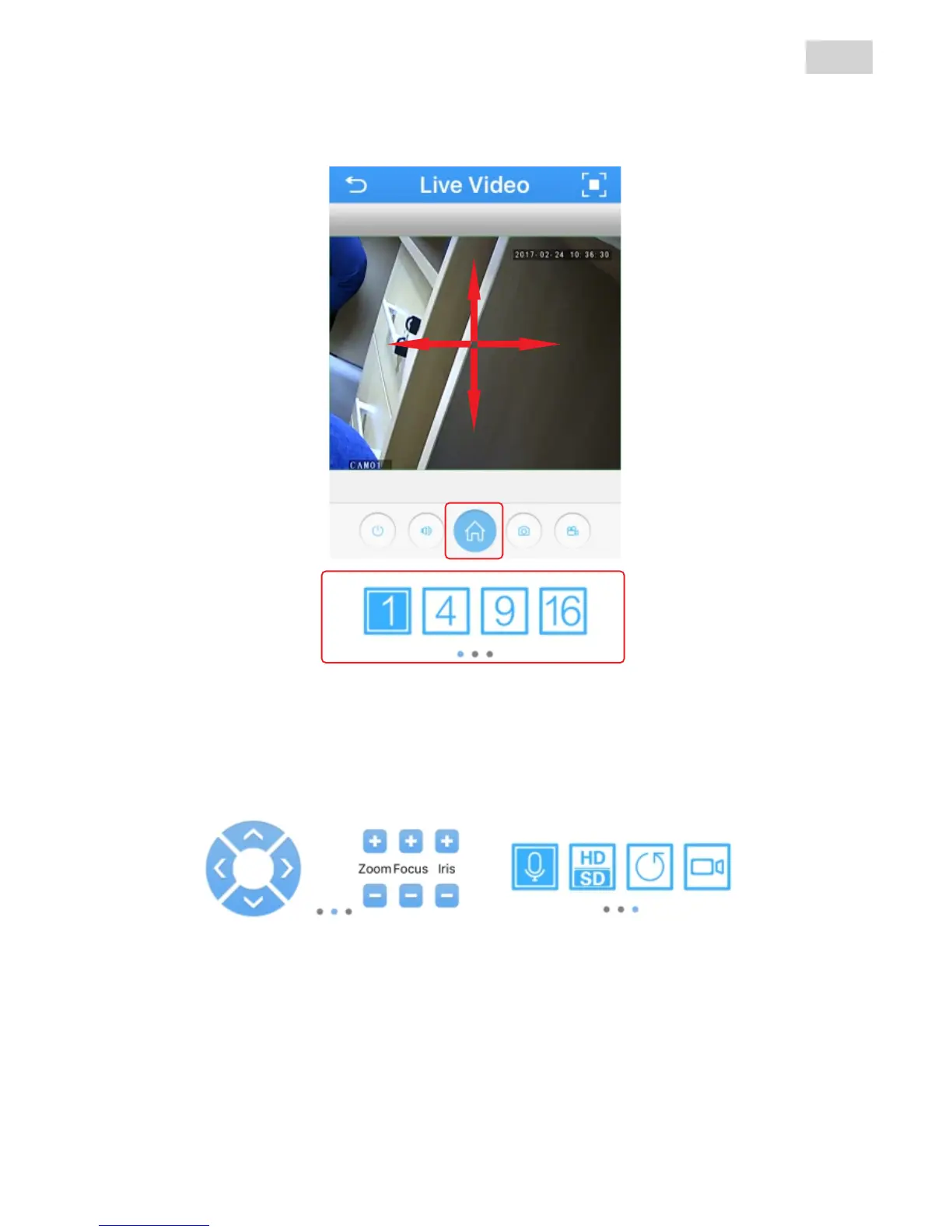
The image from the camera will be available on your phone. You
can Pan-Tilt the image by glind your finger on the image.
1
2.1
To acces a full menu of settings for the camera press Home
button (1) on the screen.
You can also control the camera with the bottom controls (2).
2.2 2.3
ATTENTION: The camera can’t be uset both on Wi-fi and cable
connection. Choose how you want to connect to the internet and make
appropriate procedure for setting the desired connection mode. Reset
the camera settings if you have already done it in another way.
EN



 To Next Page