PNI Sensor Corporation Doc 1017252 r06
RM3100 & RM2100 Sensor Suite User Manual Page 31 of 41
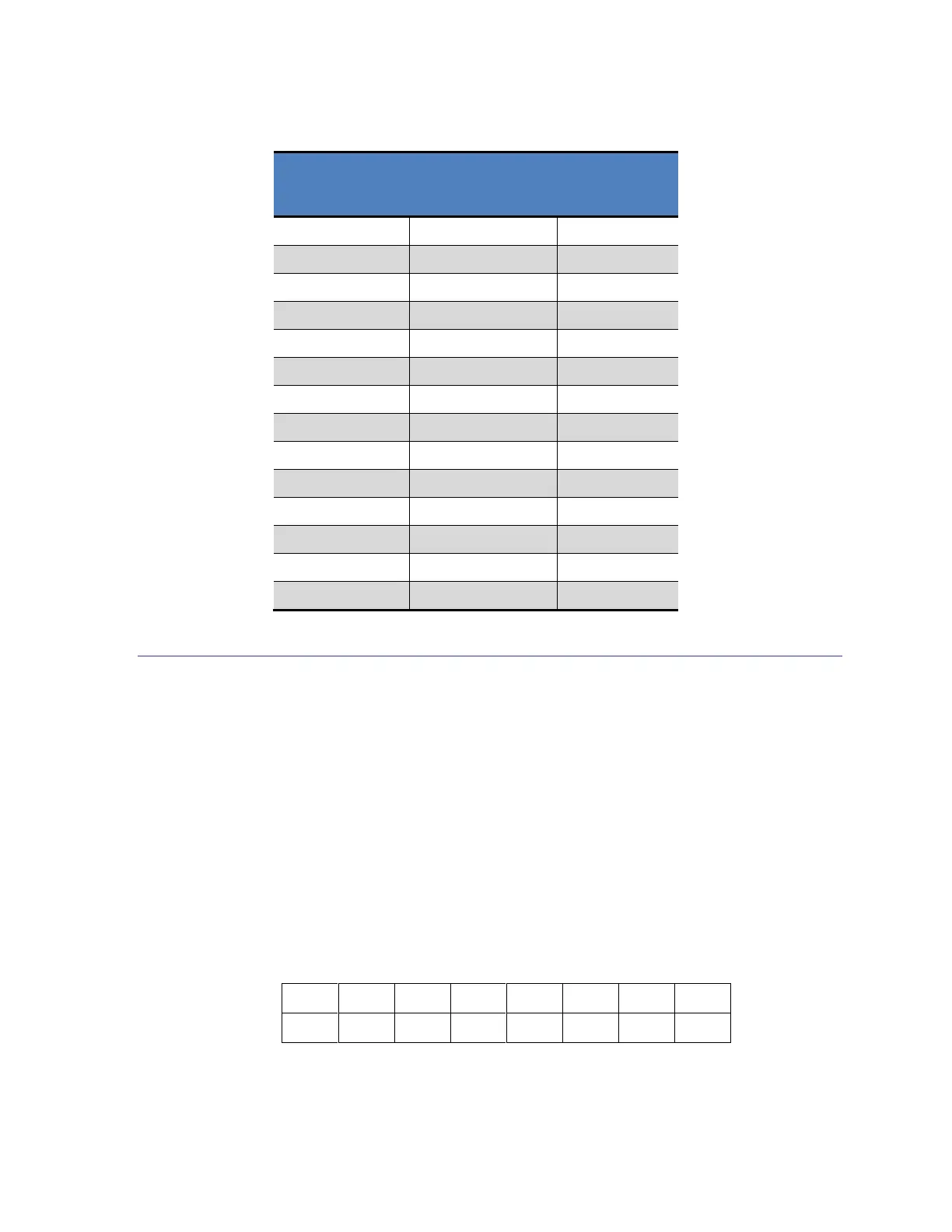
Table 5-4: CMM Update Rates
5.3 Initiate a Single Measurement (0x00)
The MagI2C can operate in either a continuous measurement mode or a polling mode. This
section discusses the Single Measurement Command used in a polling mode. See Section 5.2
for operation in continuous measurement mode.
To make a single measurement it is necessary to write the POLL address register, 0x00, and
follow this by the POLL register byte which establishes which axes are to be measured. It is
defined as shown below, where a “1” for PMX, PMY, and/or PMZ indicates the X, Y, and/or
Z axis, respectively, is to be measured. Note that the DRDY line will go HIGH after all
measurements requested in the Single Measurement Command byte have been completed.


 To Next Page